
Cross-project view
Describes cross-project features that let you manage all projects within a Repsona space.
| Who can use it | Available on |
|---|---|
| All | Standard plan |
Open the cross-project view
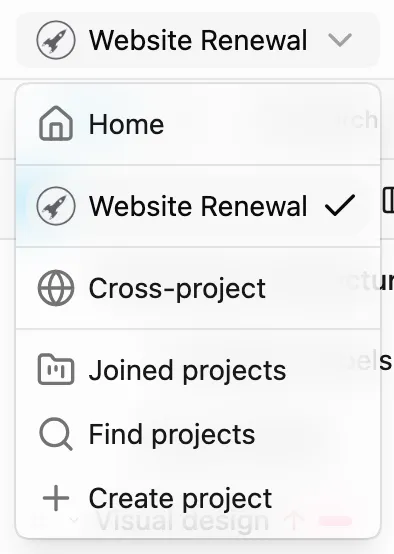
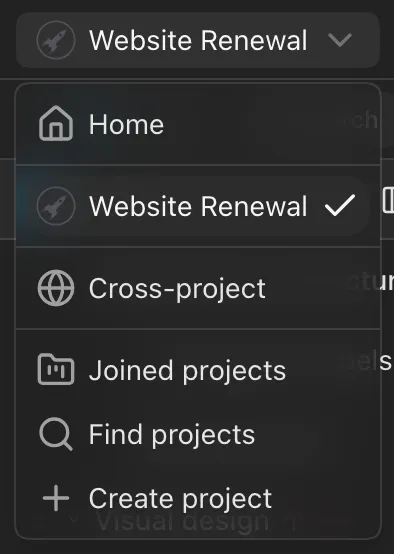
From the project menu at the top left, select "Cross-project". On the Free plan, selecting it shows information about the Standard plan.
Gantt chart
In "Tasks", displays Gantt charts across all projects. You can also create Gantt charts, comment on tasks, and change statuses on this screen.
Drag and drop a task into another project's section to move it to that project. Its subtasks move with it.
Boards (Responsible)
In the "Responsible" tab of "Boards", shows the responsible persons in a Kanban board across all projects. Quickly see workload distribution across members’ projects.
Boards (Ball)
In the "Ball" tab of "Boards", shows ball holders in a Kanban board across all projects. Quickly see how ball holding is distributed across members’ projects.
Chart and Productivity
In the "Chart" and "Productivity" tabs of "Team", you can see figures combined across all projects.
Was this page helpful?