
Search across your space
Learn how to search your entire Repsona space.
Click the "Search" button at the top right of the header (or press /) to search tasks and notes across your entire space.
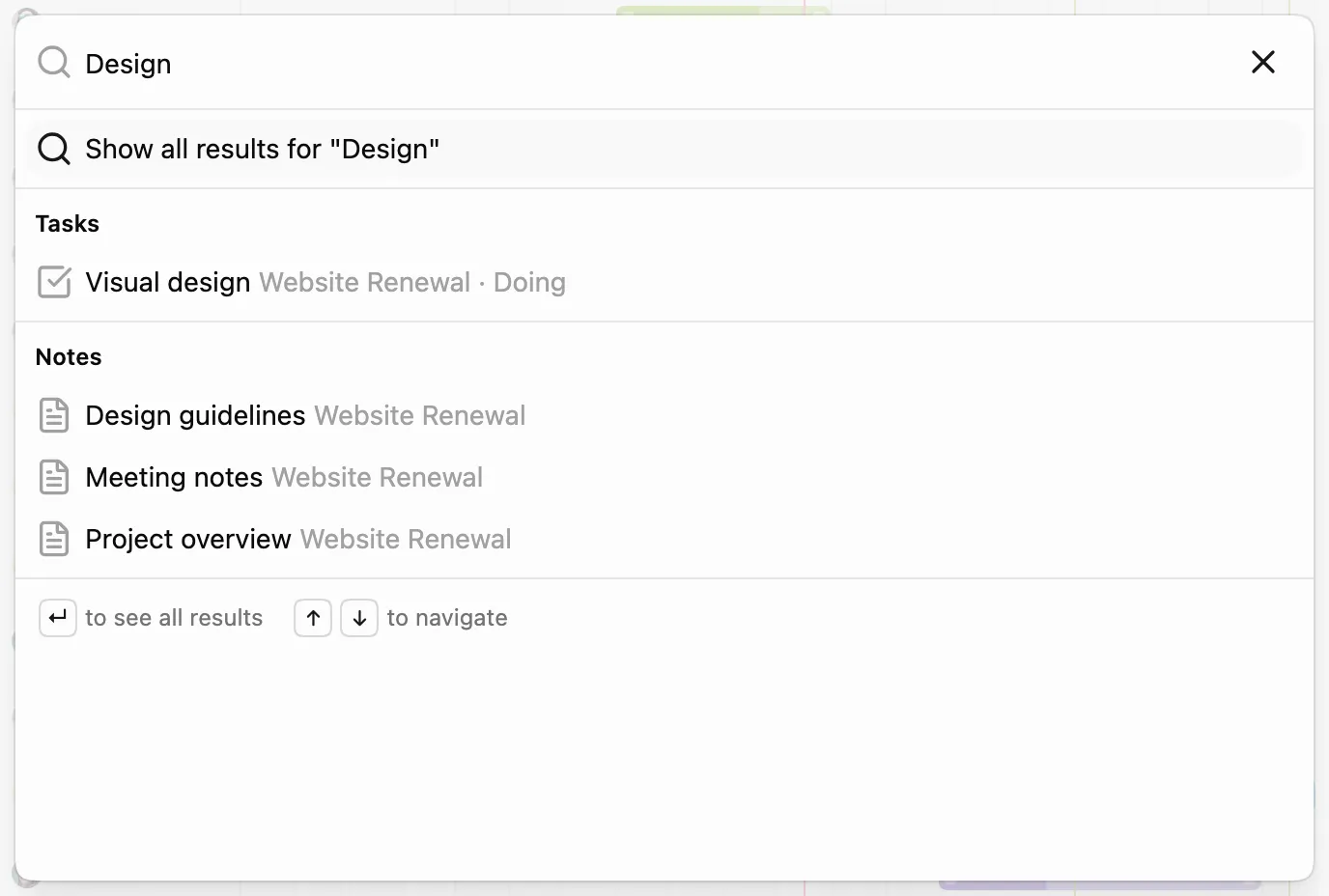
As you type a keyword, matching tasks and notes appear as suggestions. Select one to open it, or press Enter to see all results in a list.
To narrow down tasks inside a project, use the "Search" button on the task and board screens.
Was this page helpful?