
Scattered work,
lined up.
Pull the tasks scattered across spreadsheets, chat and email onto one page your whole team can see.
It truly made our work visible. It’s easy to show our team and other departments, and easy to explain.
 Hidekazu ShinoharaIndustry and Harbor Promotion Division, Yatsushiro City Office
One task,
every view.
The same task shows up in the Gantt chart, the list and the board. Change it anywhere and it updates everywhere.
Gantt chart
See the whole plan at a glance. Drag bars to schedule.

List
Assignee, who has the ball, due date and status, all at a glance.
Board
Move a card, and its status changes with it.
Board by assignee
Line up work by person and spot who is overloaded.
Notes
A team wiki you edit together. Meeting notes and how-tos live here.
Charts
Burndown and tag breakdowns, no setup needed.
Fast,
even at 100,000 tasks.
No matter how many tasks you have, scrolling, adding tasks and dragging bars stay smooth. The mobile apps work the same way.
Your usual views open fast
Only changes since your last visit are loaded
Scrolling stays smooth
Only the rows on screen are drawn, so size doesn’t slow it down
Add and move without lag
New tasks and moved bars show up right away
Everything a team
needs, and no more.
Notifications and inbox
Requests and comments for you, all in one place.
Team setup
Set up teams and roles so everyone knows who does what.
Productivity
See each member’s activity as a score and a daily log.
Kaizen
Run retrospectives with Problem, Try and Keep, then turn them into tasks.
Search everything
Tasks and notes, across every project.
Duplicate projects
Start from last month’s project instead of from scratch.
Permissions and 2FA
Decide who sees what, per project.
Slack integration
Get updates in the Slack channels you already use.
What teams say
Being able to duplicate a project every month is a big help. Almost everything is drag and drop, so it’s intuitive and really easy.
 Shohei KuroiwaTax accountant, Kuroiwa Tax Accountant Office
It’s easier to understand than other tools. Showing new members how to use it takes little effort, so it was easy to roll out.
 DX Promotion UnitTSUTAYA Co., Ltd.
You can add, delete and nest tasks right on the Gantt chart. I think it’s the best free Gantt tool out there.
 Tomohito FujitaCOO, KiteRa Co., Ltd.
Well-known tools had too many features for a small team. Repsona was approachable, and we could start right after signing up, so it was easy to bring to the team.
 Kotaro SatoFileMaker developer, Ayatori System Co., Ltd.
Sometimes you only realize how hard things were after you switch tools. That’s how Repsona felt.
 Kiyofumi TsukaharaCEO, P4MATCH Co., Ltd.
It’s “just right.” Create a space and the Gantt chart is ready to go, and you can check the same work on a Kanban board.
 Satoshi OtaCEO, Office Mook Co., Ltd.
Having project management and documentation in one tool is great, and every feature is available even on the free plan.
 Toshiki HigashiTech Division Manager, Fabeee Co., Ltd.
I doubt there’s another Gantt chart product this affordable. Creating and moving subtasks is all drag and drop. We can’t go back to Excel.
 Chie HagiharaEncourage Technologies Co., Ltd.
The concept of the “ball” is what sold us. We can see right away where a task is stuck, and missed tasks and miscommunication have gone way down.
 Shota OnoCOO, Miniique Co., Ltd.
Having so many features in one service broadens how we manage tasks. Being able to look at tasks from different angles is great.
 Yutaka SugayaRepresentative, SaaB Technologies
More than 20,000 teams organize their work with Repsona












Customer stories

Information Systems Group, Business Administration Department, Encourage Technologies Co., Ltd.
Once we start using Repsona Timeline (Gantt charts), we can't go back to task management in Excel anymore.

DX Promotion Unit, TSUTAYA Co., Ltd.
Operability is easy to understand compared to other tools, and the burden when using with new members is small. I am very satisfied.
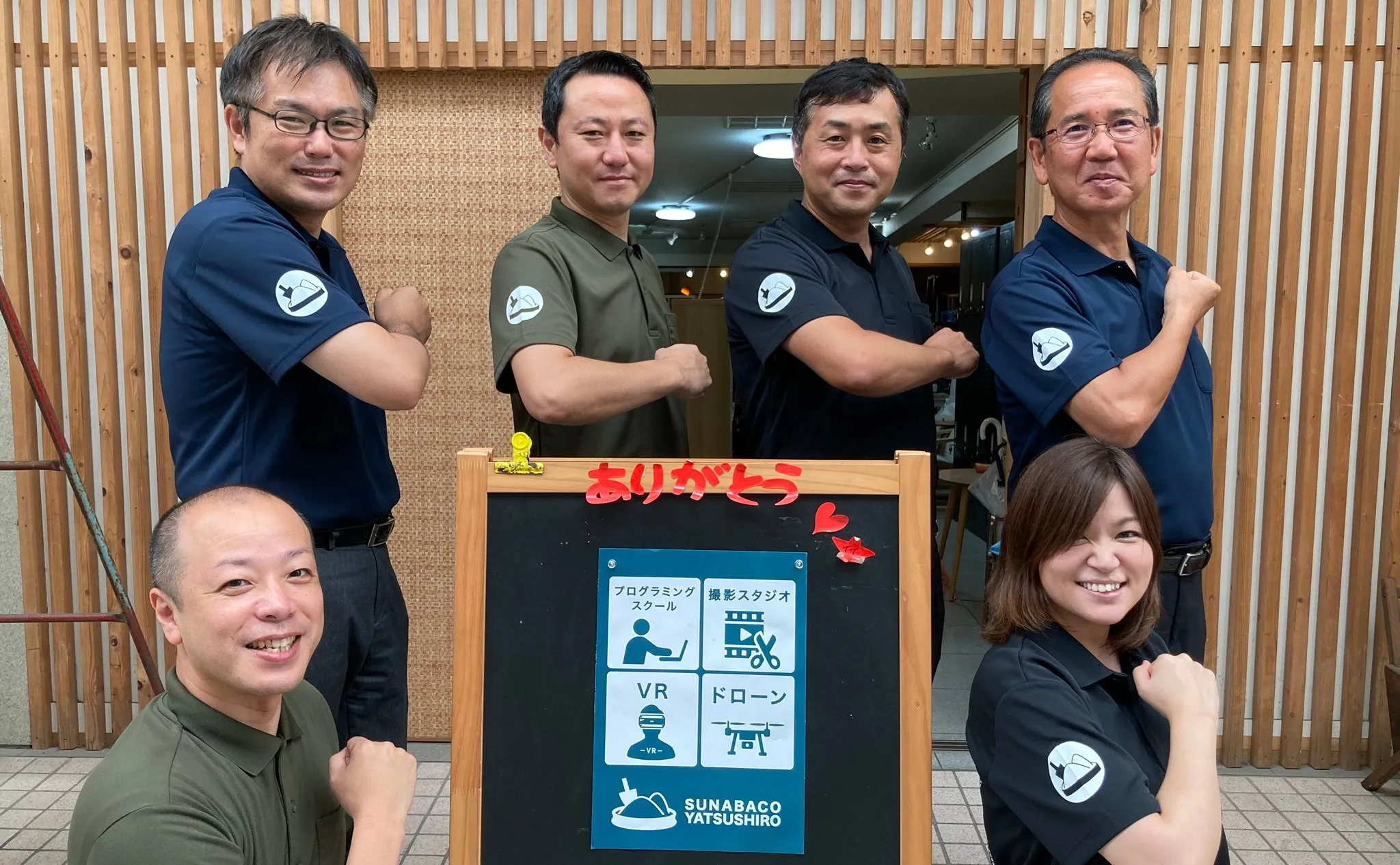
Hidekazu Shinohara, Industry and Harbor Promotion Division, Yatsushiro City Office
We can organize teams, set roles, etc. so that we can work on a common understanding.
Connect your tools
with the API and MCP.
タスクの作成も更新も API から。開発中の MCP では、Claude や ChatGPT に話しかけるだけでタスクを動かせるようになります。
# Create a task
curl https://<space>.repsona.com/api/task \
  -H "Authorization: Bearer $REPSONA_API_KEY" \
  -H "Content-Type: application/json" \
  -d '{
    "projectId": 296,
    "name": "Pre-launch check",
    "dueDate": 1794614400000,
    "parentId": null, "statusId": null, "milestoneId": null,
    "responsibleUserId": null, "ballHoldingUserId": null
  }'

# → 200 OK
{ "task": { "id": 98213, "name": "Pre-launch check", … } }
Articles
- Nov 09, 2026UpdatesRepsona Redesigned Version Update v4.0.20
- Nov 06, 2026NewsThe Mobile App Has Been Renewed
- Oct 30, 2026UpdatesRepsona Redesigned Version Update v4.0.18
- Oct 29, 2026NewsEarly Update for the Mobile App
- Oct 28, 2026UpdatesRepsona Redesigned Version Update v4.0.16
Ready to
line it up?
Free forever for teams of up to 5. No credit card required.