
Troubleshooting (Advanced settings)
These are actions you can try when the display looks wrong or seems to show outdated content.
| Who can use it | Available on |
|---|---|
| All | All |
Open Advanced settings
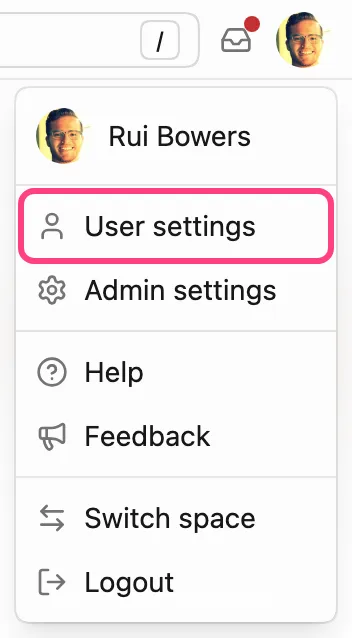
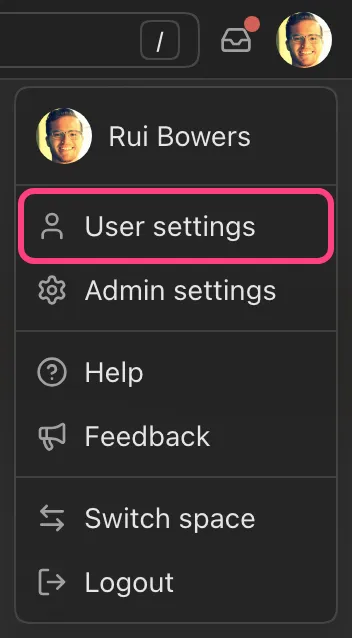
- Open the menu from the icon in the upper-right corner of the screen.
- Click "User settings".
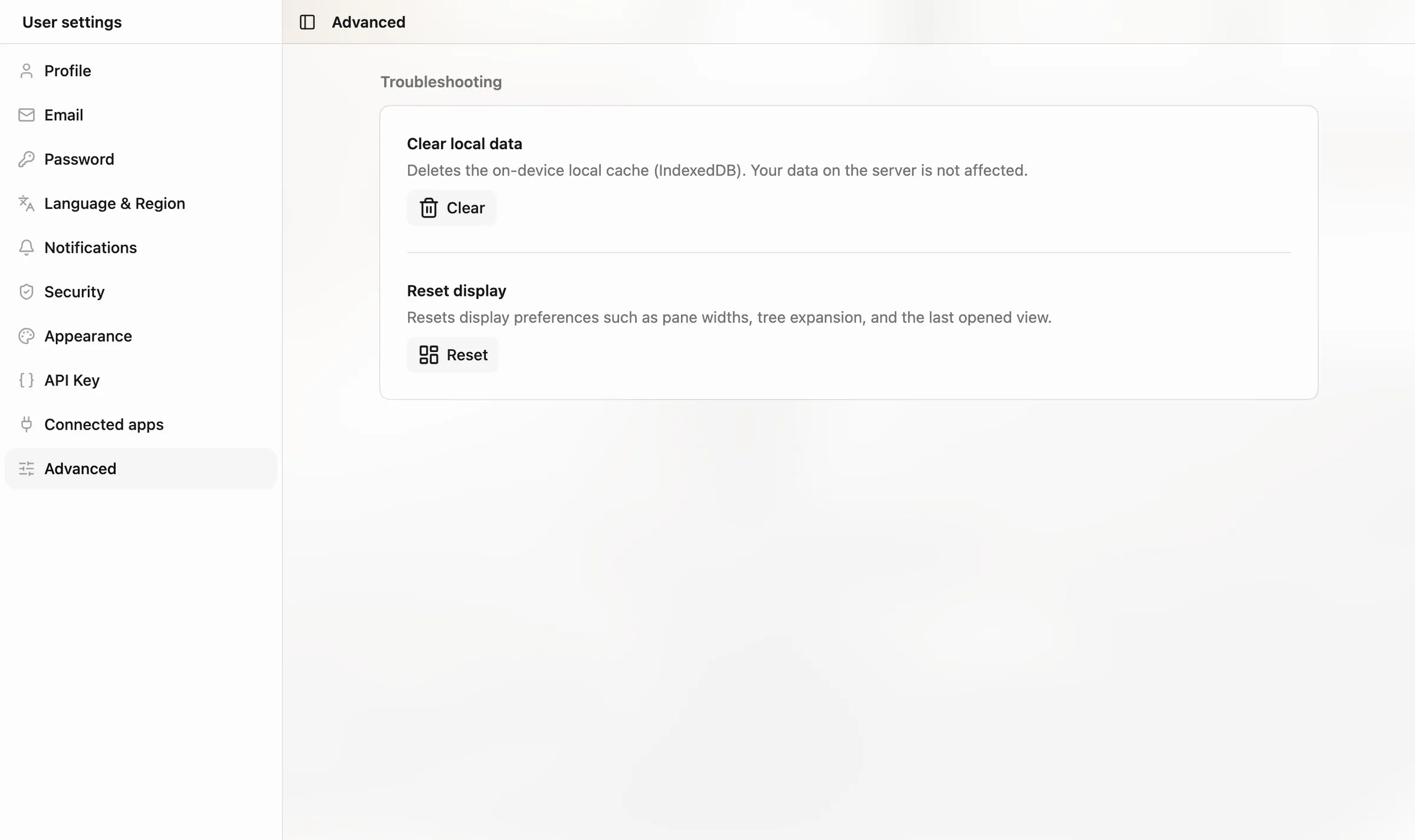
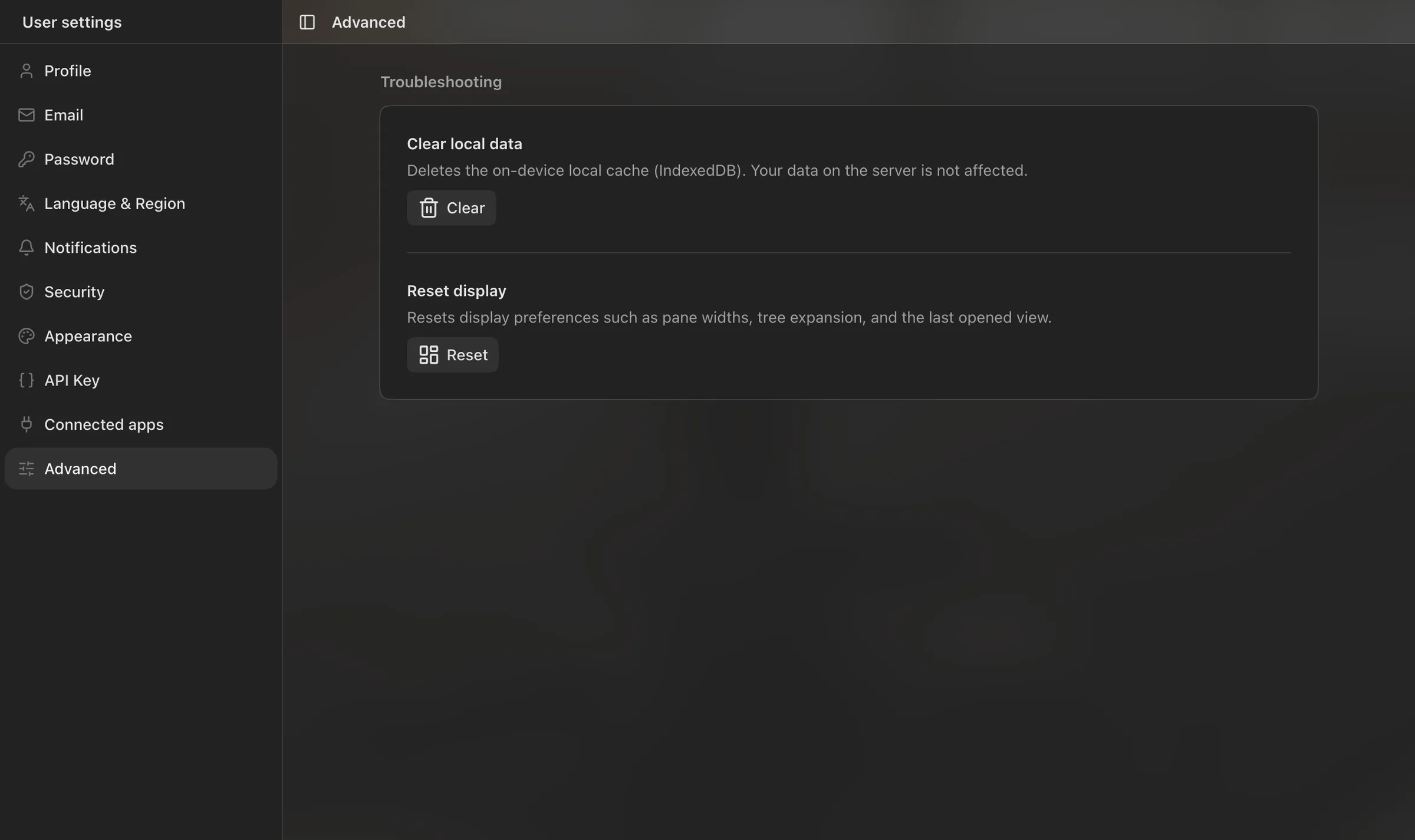
- Open "Advanced" in the left menu.
Clear local data
Deletes the cache stored on this device (browser). Your data on the server is not affected. Click "Clear" and confirm with "Proceed". The page reloads and the data it needs is loaded again from the server.
Try this when tasks or notes don't update, or when outdated content remains after a change.
Reset display
Resets display preferences stored on this device, such as pane widths, tree open/close state, and the last opened screen. Click "Reset" and confirm with "Proceed".
Try this when the layout looks broken, or when the tree or panes don't appear as you expect.
If it still doesn't work
Reload the browser, or log out and log in again, and check once more. If the problem persists, contact support.
Was this page helpful?