Redmine vs Repsona
Redmine is open-source software you install on your own server. It costs nothing, and you shape it with plugins. Repsona is a hosted service you sign up for, with a Gantt chart you can drag, a board and notes already in place. If open source or self-hosting is a requirement, Redmine is the one to keep. If you would rather not run a server or choose plugins, look at Repsona.
Which one fits your team
Redmine fits teams that
- want the data on their own server, under their own control
- want open-source software with no license cost however many people use it, and are ready to run the server themselves
- like to shape the tool with plugins, custom fields and workflows
- need it connected to Git or Subversion repositories, or to LDAP
Repsona fits teams that
- want to sign up and start, with no server to set up or upgrade
- want to drag bars on the Gantt chart to replan, without choosing and installing a plugin
- want a Gantt chart grouped by assignee, a Kanban board and a burndown chart from day one
- want to track the ball (who acts next) separately from the assignee
Features side by side
Rows where Repsona has nothing to offer are listed as they are. Where something comes from a third-party plugin or app rather than core Redmine, the row says "Add-on".
 Redmine
Replan by dragging the bars
Redmine's built-in Gantt chart displays issues that have a start date and a due date. The official feature list calls it "Automatic gantt and calendar based on issues start and due dates": the chart is drawn from the dates on your issues. Dragging a bar to change those dates is not described in the official guide or changelogs.
Third-party plugins add it. In the official plugin directory, Redmine Canvas Gantt lists Redmine 6.0.x to 7.0.x as compatible, while Easy Gantt lists versions up to 6.0.x. Check each plugin against the version you run.
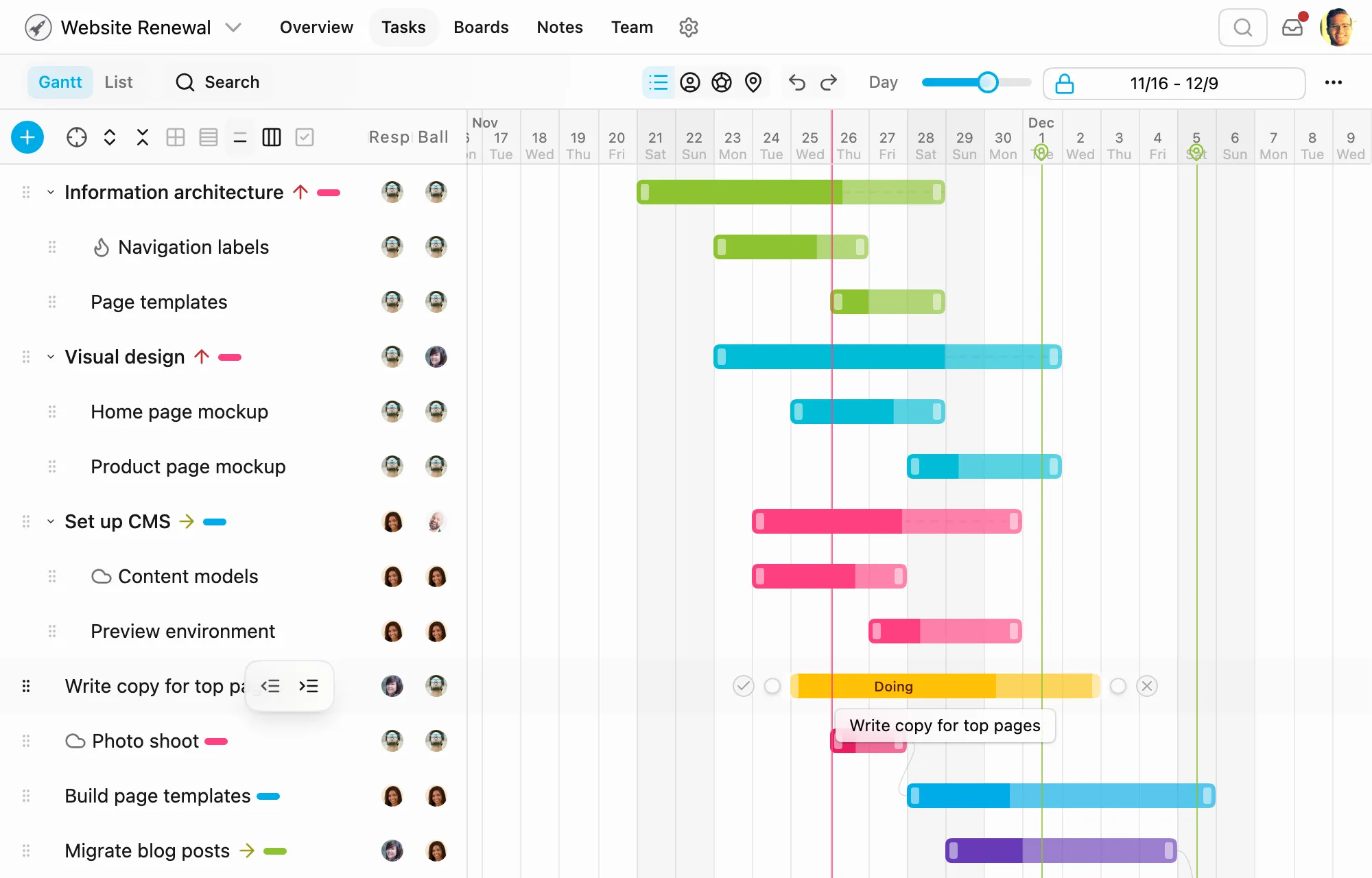
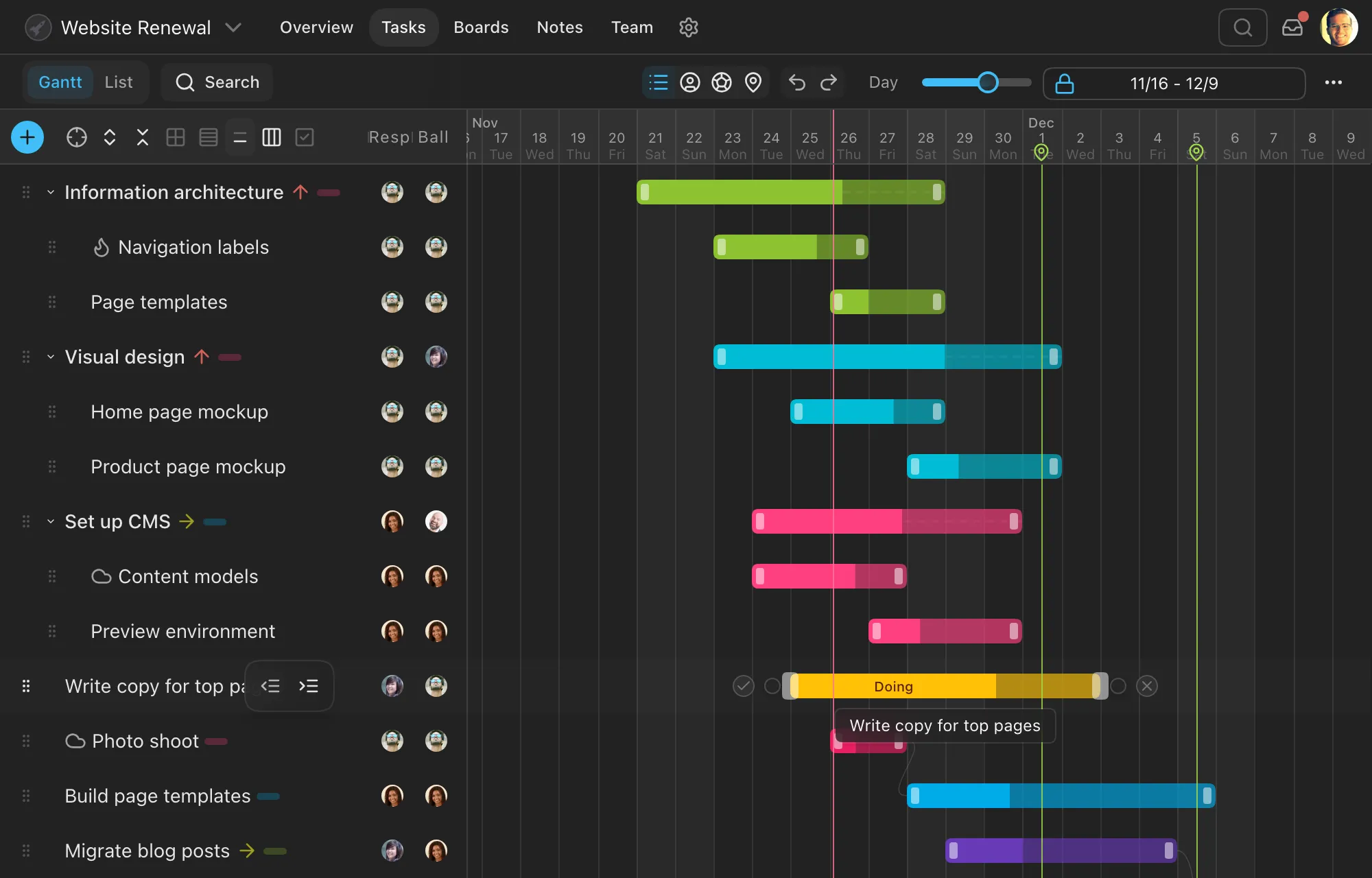
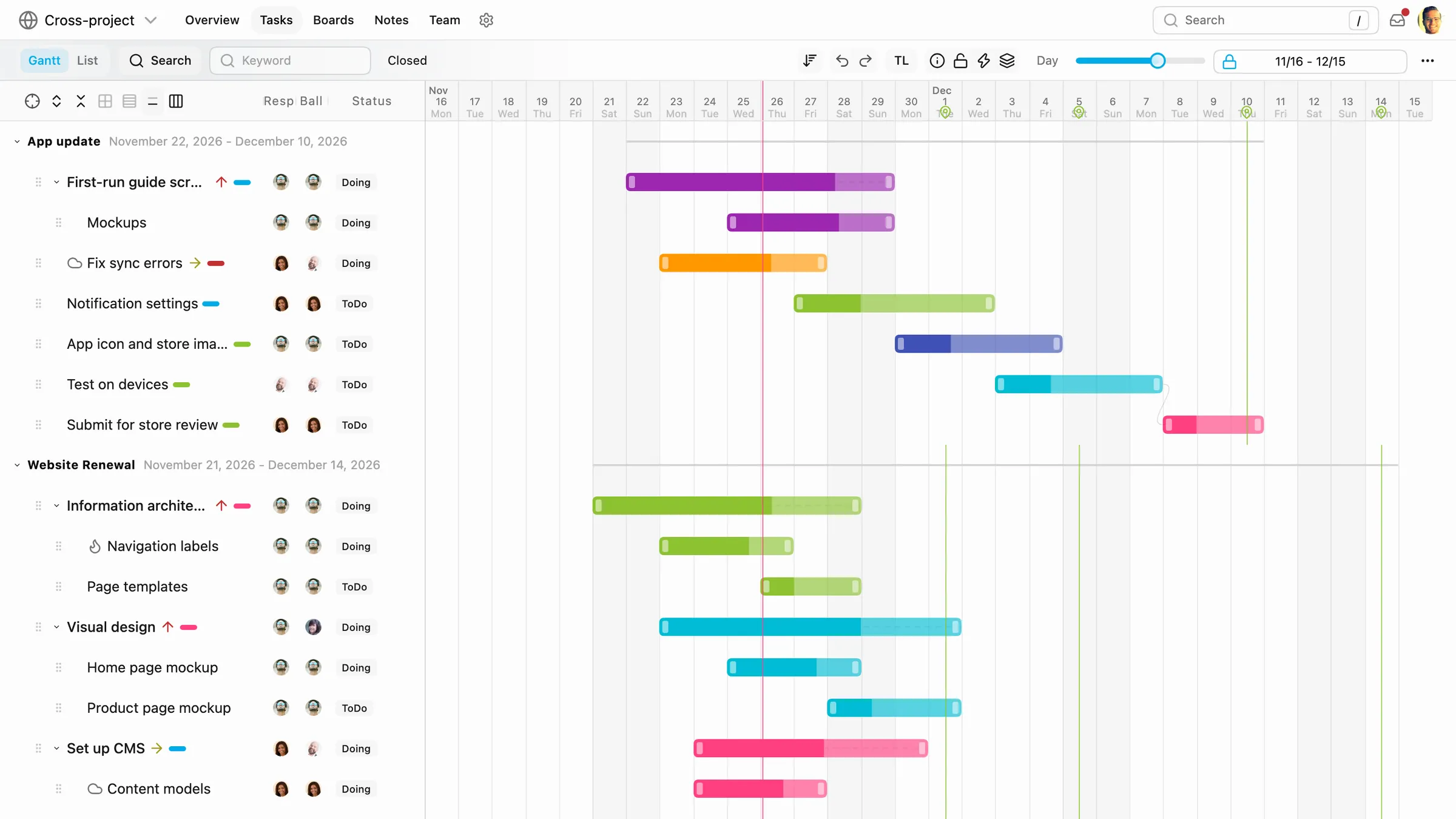
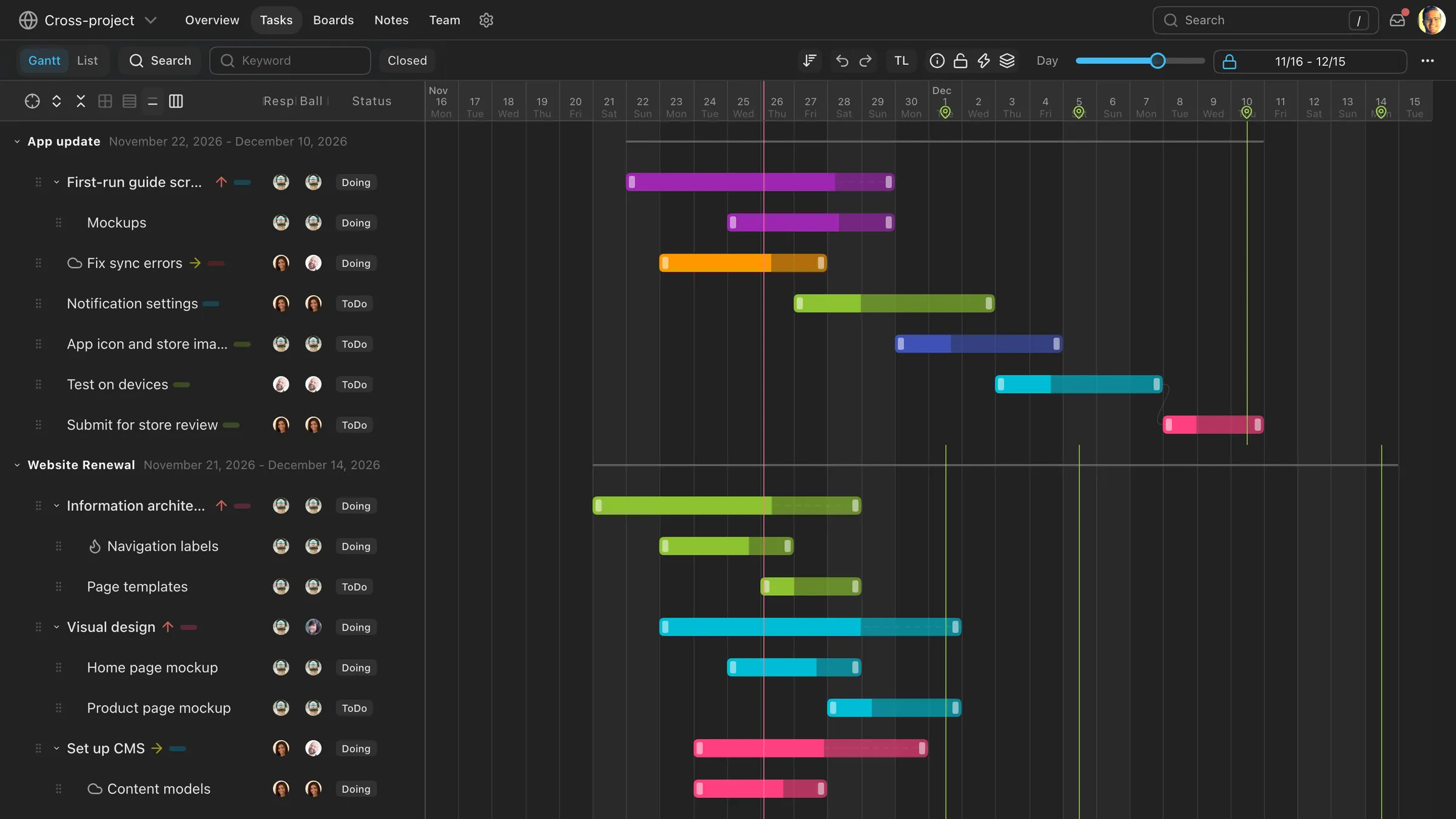
In Repsona, dragging is how the Gantt chart works from the start. Drag across an empty row to draw a bar, grab the bar to shift the dates, pull an end to make it longer or shorter.
Group by assignee, and set your own order
Redmine's Gantt chart takes the same filters as the issue list. Filter by assignee, save the filter, and one person's issues are a click away. You can also choose columns to show on the chart.
A view that groups the chart by assignee is not described in the official guide or changelogs. Issues on the chart are sorted by date, and reordering them by hand is not described either.
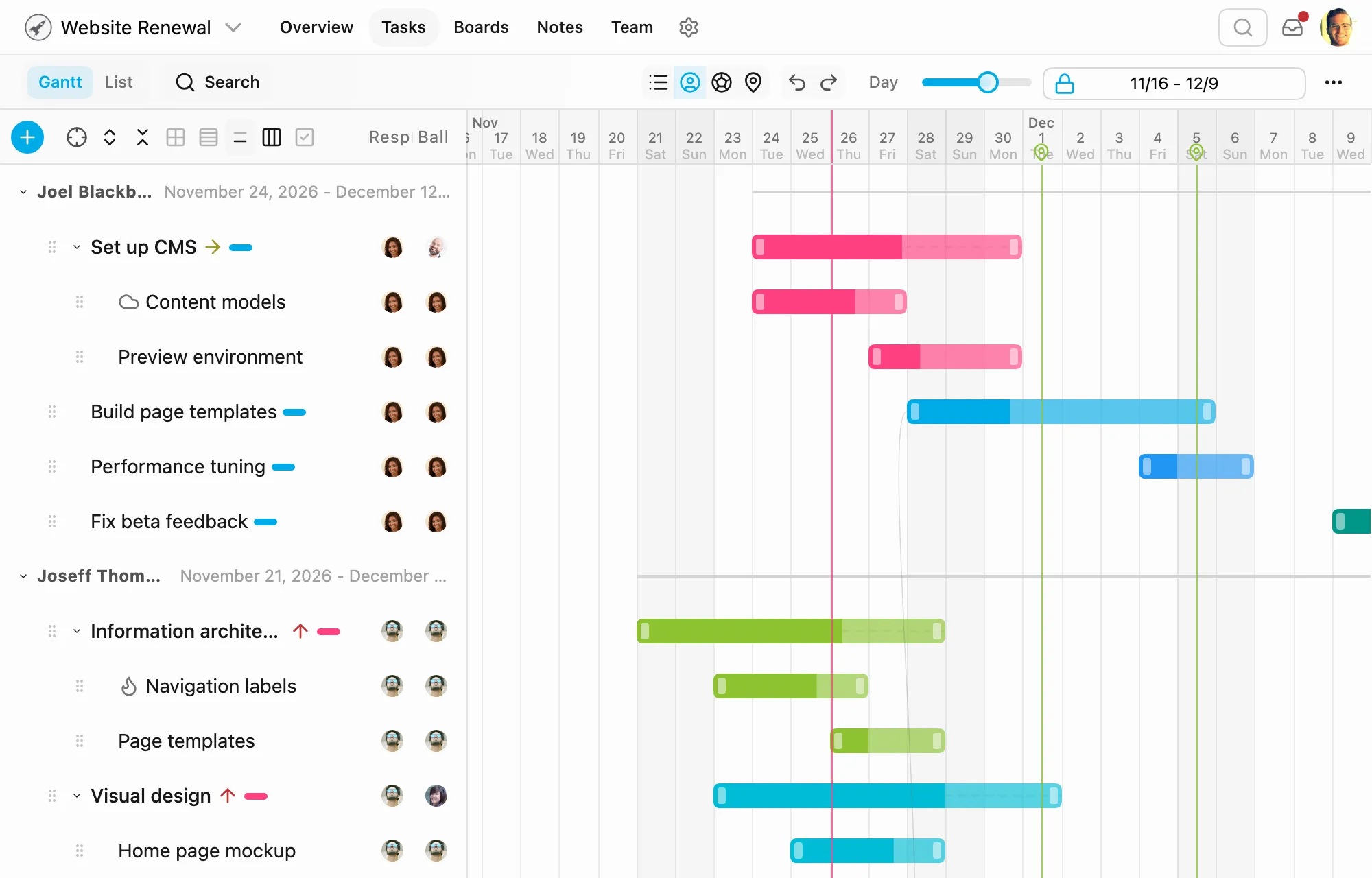
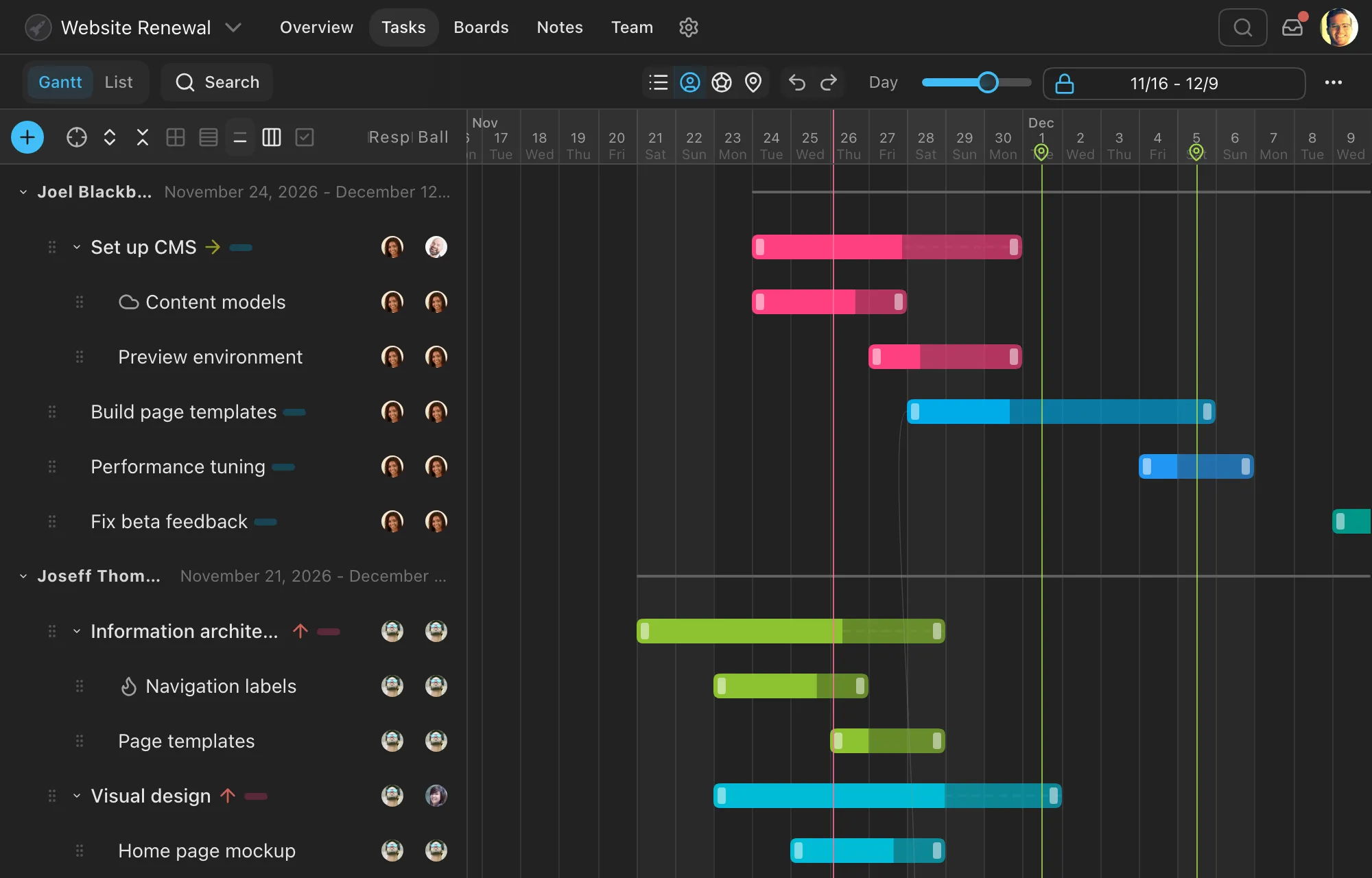
In Repsona, one button groups the Gantt chart by assignee, by ball holder or by milestone. The ball is Repsona's name for who acts next. The order of tasks is yours to set: drag a task up or down the list.
One Gantt chart across projects
In Redmine, a Gantt chart across projects is part of the core. The global Gantt chart shows issues from all your projects, at no extra cost.
In Repsona, the cross-project view that puts several projects on one Gantt chart is a Standard plan feature. It is not on the Free plan.
Dependencies in both
Both tools handle predecessors and successors.
In Redmine you add a precedes / follows relation between two issues, with a delay in days if you want one. When the end date of the preceding issue moves later, the issue that follows moves by the same number of days. The Gantt chart can show relations and a progress line. Redmine also has other kinds of relations, such as duplicates and blocks.
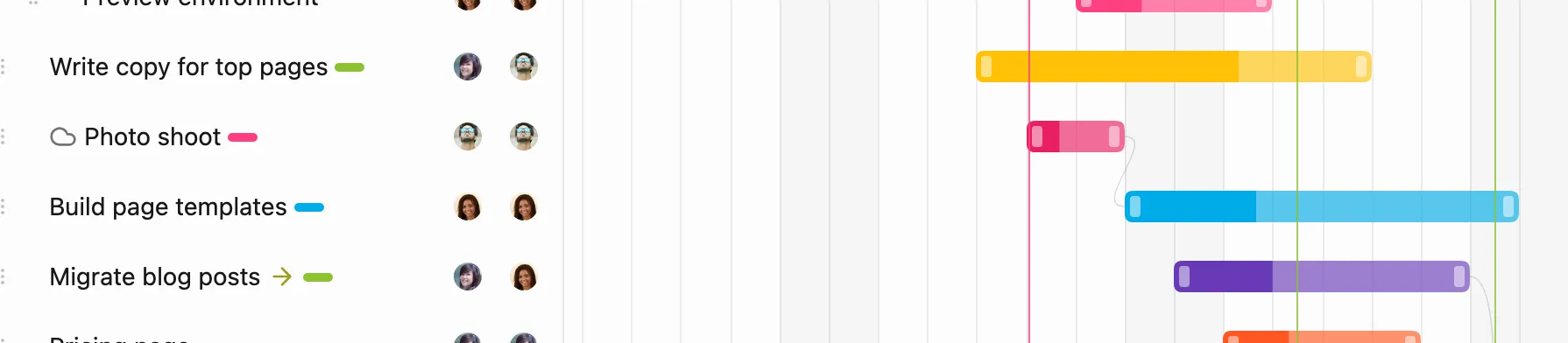
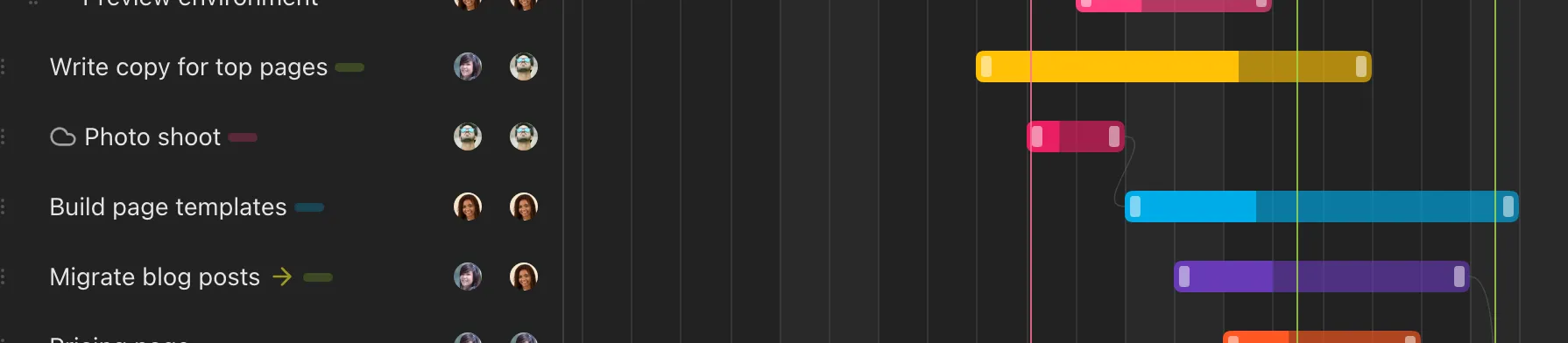
In Repsona you draw the link on the Gantt chart itself, by dragging from one bar to another. The line turns red when the successor starts on or before the predecessor's due date. With "Move together" on, moving a task moves its successors too. There is one kind of link: predecessor and successor.
Export to Excel and PDF
Core Redmine exports the Gantt chart to PDF and PNG. The PNG export needs ImageMagick on the server. An Excel export of the Gantt chart is not described in the official guide or changelogs. The issue list exports to CSV and PDF.
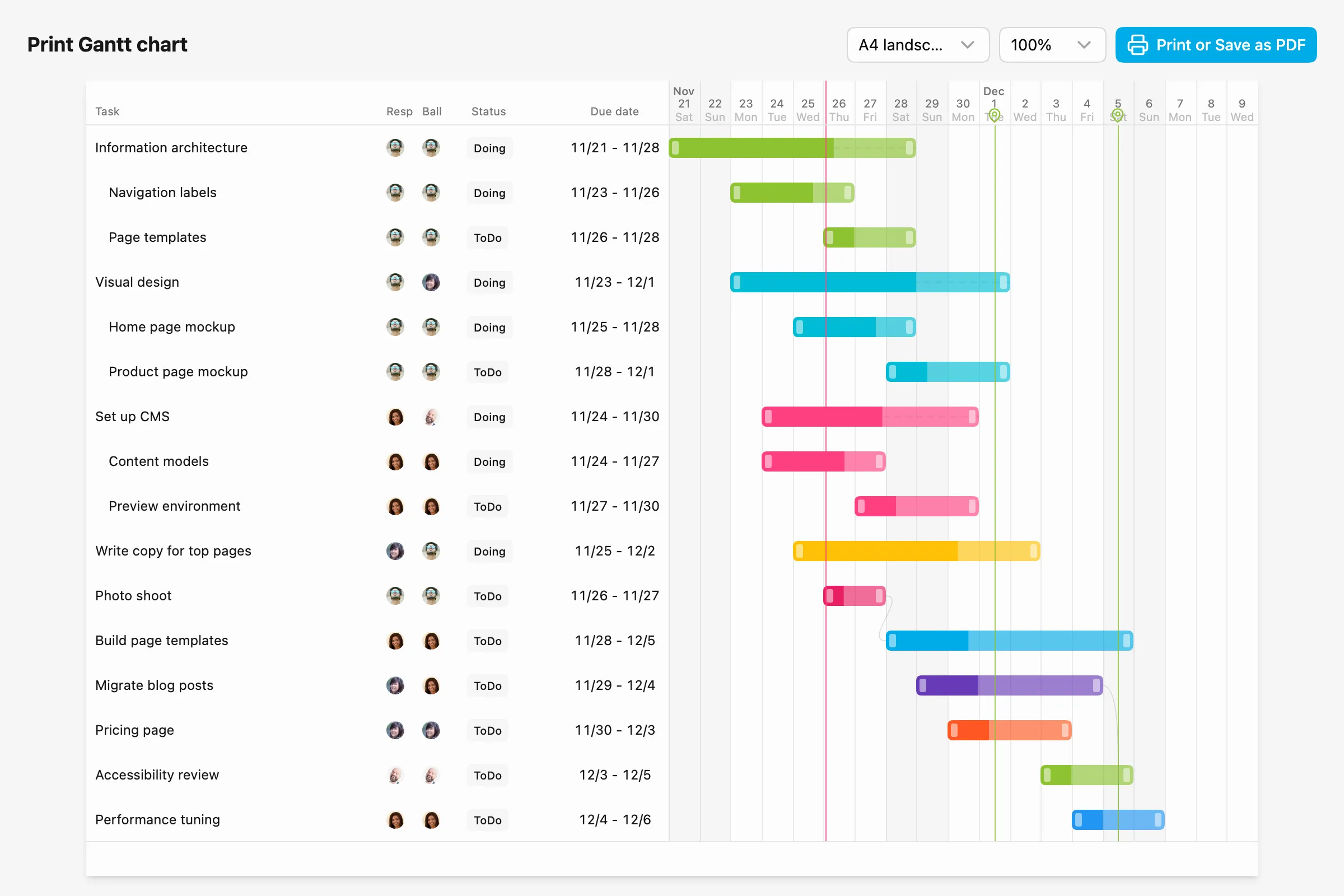
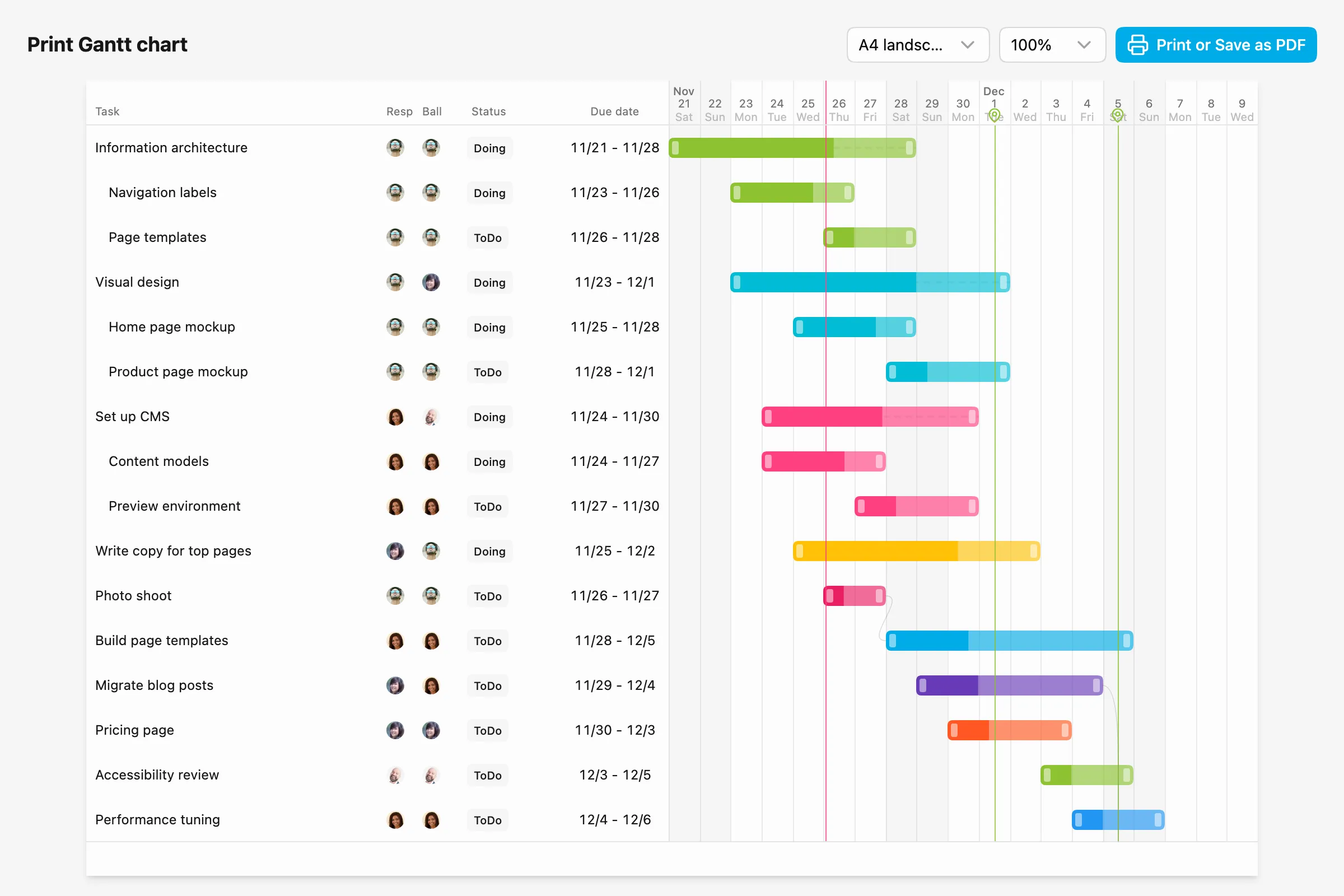
Repsona exports the Gantt chart to Excel (XLSX) and CSV, and its print view saves to PDF. All three are available on the Free plan.
An interface anyone can pick up
Buttons, settings and customization are kept to a minimum. Anyone can tell what to do just by looking at the screen, and get started right away. It feels natural to use, and screens open and save quickly, so a heavy tool never slows you down.

Small touches that make work more fun
Repsona is full of small touches, built around people, that make work more fun. It isn't only about getting the pile of tasks in front of you done faster. It's about building a team where people connect and smile.
What Redmine has that Repsona doesn't
Beyond the rows in the table, Redmine offers the following. Repsona has none of them.
- Open source (GPL v2), with the source code available
- Extensible with plugins (more than 1,400 in the official plugin directory)
- Workflows: allowed status transitions per issue type (tracker) and role
- Define your own roles and set their permissions
- More kinds of issue relations (related to, duplicates, blocks, precedes / follows, copied)
- Create issues by email
- LDAP authentication, against one or several directories
- Per-project forums and news
- Available in forty-nine languages
Pricing
Redmine is free, with no plans or tiers. It is open source under the GNU General Public License v2. What you take on instead is the server, the install, upgrades and backups, and the official guide covers each of them.
Repsona is hosted, so there is no server to run. Its paid plan is priced per member.
RedmineMoving from Redmine
There is no automatic migration tool. You can move issues as CSV in three steps.
- In Redmine, export the issue list as CSV. You can choose which columns to include. How many issues one export holds is an administrator setting, and the default is 500
- Rearrange the columns into the order Repsona imports. The first row is a header, followed by 14 columns in this order: ID, task name, description, assignee, ball holder, start date, due date, status, milestone, parent task ID, tags, planned, actual, sort order. Redmine's Subject goes in the task name column and Target version in the milestone column. Dates need to be in
YYYY-MM-DDform - In Repsona, open the menu on the Gantt chart or the list and choose "Import from CSV"
Assignees, statuses and milestones have to exist in Repsona under the same names before you import. Save the file as UTF-8. The column descriptions and a sample file are in the help article Exporting and Importing Tasks. Repsona's CSV import does not bring in comments, attachments or precedes / follows relations.
To try it with a small group first, move one project on the Free plan and see how the Gantt chart feels.
FAQ
- Can you drag bars on Redmine's Gantt chart?
- Dragging a bar to change its dates is not described in the official guide or changelogs for core Redmine. Third-party plugins in the official plugin directory add drag-and-drop editing (Redmine Canvas Gantt lists Redmine 7.0.x as compatible; Easy Gantt lists versions up to 6.0.x). In Repsona you drag bars on the Gantt chart without installing anything.
- Does Redmine need a plugin for a Gantt chart?
- No. The Gantt chart is built in, and it displays issues that have a start date and a due date. A plugin comes in when you want to edit the schedule by dragging, or want a board or burndown chart next to it.
- Can Redmine show a Gantt chart across projects?
- Yes. A global Gantt chart across all projects is part of core Redmine. In Repsona, the cross-project Gantt chart is on the Standard plan, not the Free plan.
- Can I group Redmine's Gantt chart by assignee?
- The Gantt chart takes the same filters as the issue list, and you can save them, so a saved filter gives you one person's issues. A view grouped by assignee is not described in the official guide or changelogs. Repsona's Gantt chart can be grouped by assignee with one button.
- Can I export Redmine's Gantt chart to Excel?
- Core Redmine exports the Gantt chart to PDF and PNG. An Excel export is not described in the official guide or changelogs. Repsona exports the Gantt chart to Excel (XLSX), and its print view saves to PDF.
- Is Redmine free?
- Yes. Redmine is open source under the GNU General Public License v2, with no plans or tiers. You provide the server and handle the install, upgrades and backups yourself.
- Is Repsona open source or self-hosted?
- No. Repsona is a hosted service. It is not open source and you cannot install it on your own server. If either is a requirement, Redmine is the better fit.
- Is Repsona free?
- Repsona has a Free plan that includes the Gantt chart, and a paid Standard plan priced per member. The limits of the Free plan are on the pricing page.
- Can I move my Redmine issues to Repsona?
- There is no automatic migration tool. Redmine exports the issue list as CSV, and Repsona imports CSV with a fixed column order, so you rearrange the columns first and then import.
What this page says about Redmine was checked against its official pages. Features and prices may change.