ClickUp vs Repsona
Both tools manage a team's tasks, but they are built for different jobs. ClickUp brings automations, custom fields, time tracking, Docs and dashboards into one workspace. Repsona keeps to tasks, a Gantt chart, boards and notes, and includes the Gantt chart on its Free plan.
Which one fits your team
Repsona fits teams that
- want a Gantt chart they can keep using on a free plan
- plan with tasks, a Gantt chart, boards and notes, and don't need custom fields or automation rules
- want to export the plan to Excel or PDF without moving to a higher plan
- want to track the ball (who acts next) separately from the assignee
ClickUp fits teams that
- want automations, custom fields, time tracking, Docs and dashboards in one workspace
- need more than tasks and schedules, such as whiteboards, forms, chat, goals and built-in AI
- want a free plan with no cap on members
- need SAML single sign-on, or native integrations with tools such as GitHub, Jira, Microsoft Teams and Zapier
Features side by side
What Repsona doesn't have is shown as it is.
 ClickUp
The Gantt chart stays available on the Free plan
On ClickUp's Free Forever plan, Gantt view is limited to 60 uses. ClickUp's help says "Feature usage limits do not reset." Once a limit is reached, the data you created stays, but you can't edit or add with that feature until the Workspace is upgraded. Gantt charts are unlimited on the Core plan and above.
Repsona includes the Gantt chart on the Free plan. Drawing bars, moving them, resizing them and linking dependencies work the same on every plan. Viewing several projects on one Gantt chart is part of the Standard plan.
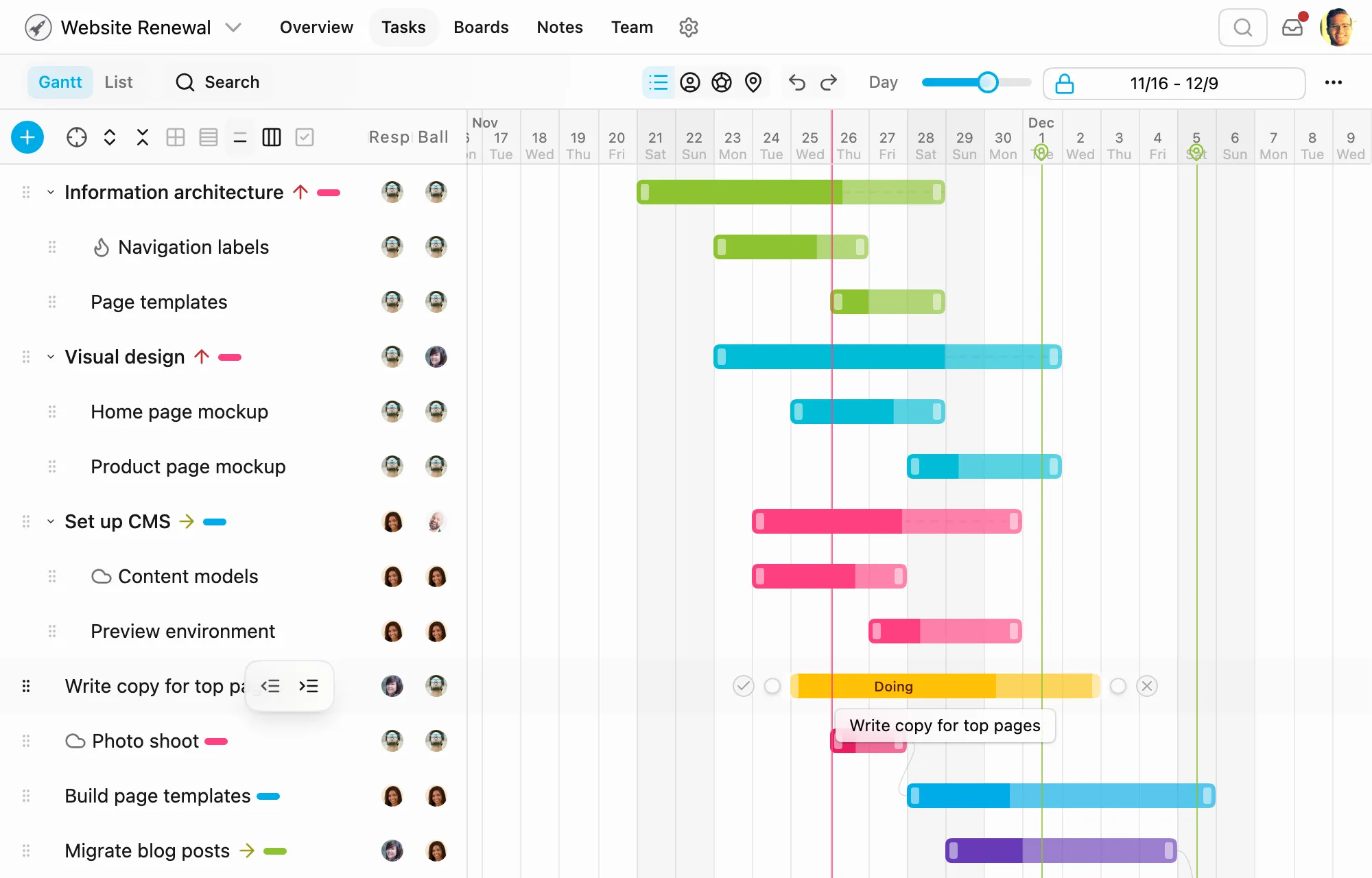
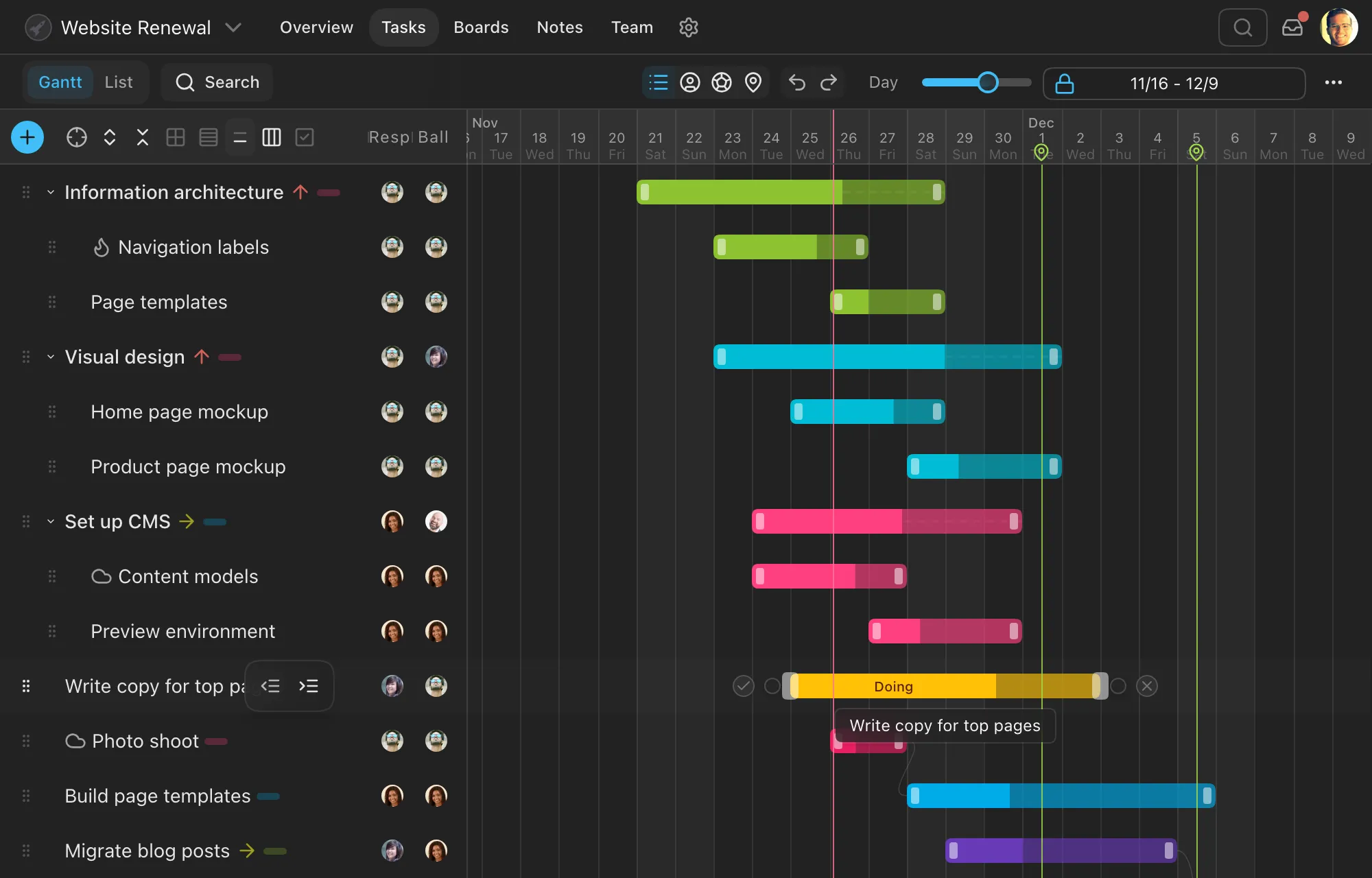
Each free plan limits something different
ClickUp's Free Forever plan has unlimited members and unlimited tasks. What it limits is storage (60MB) and how much you can use certain features: 60 uses each of Gantt view, Custom Fields and Dashboards, 100 uses of time tracking, and 100 Automation Actions per month. The Sprint Burndown chart is a Dashboard card on the Business plan and above.
Repsona's Free plan limits the size of the team instead: the number of members and projects, along with totals such as tasks and storage. The numbers are on the pricing page. Within them, the Gantt chart, boards, notes and burndown charts have no use counter.
A larger team that needs little beyond tasks may be better served by ClickUp's free plan. A small team that works from the Gantt chart every day may be better served by Repsona's.
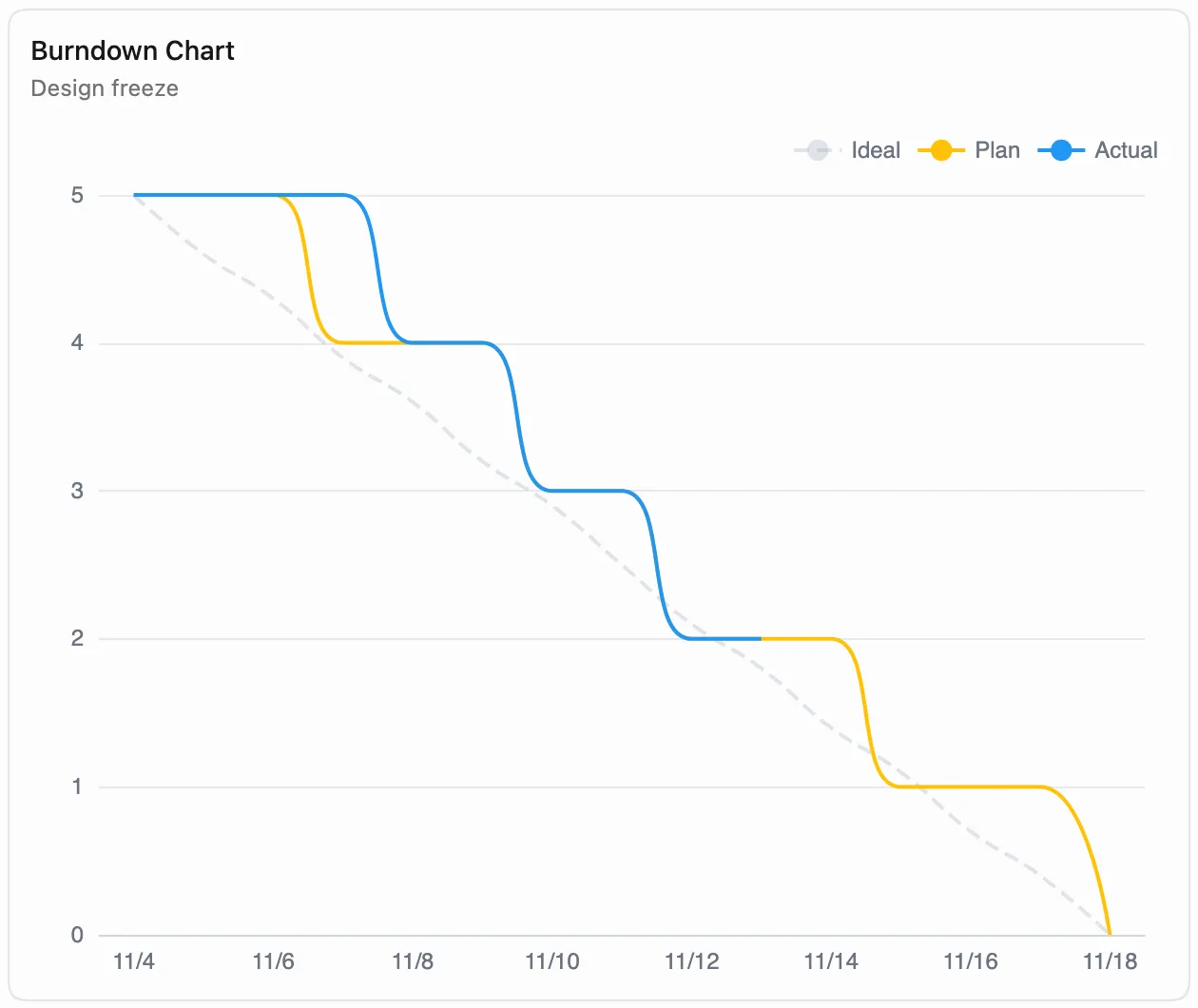
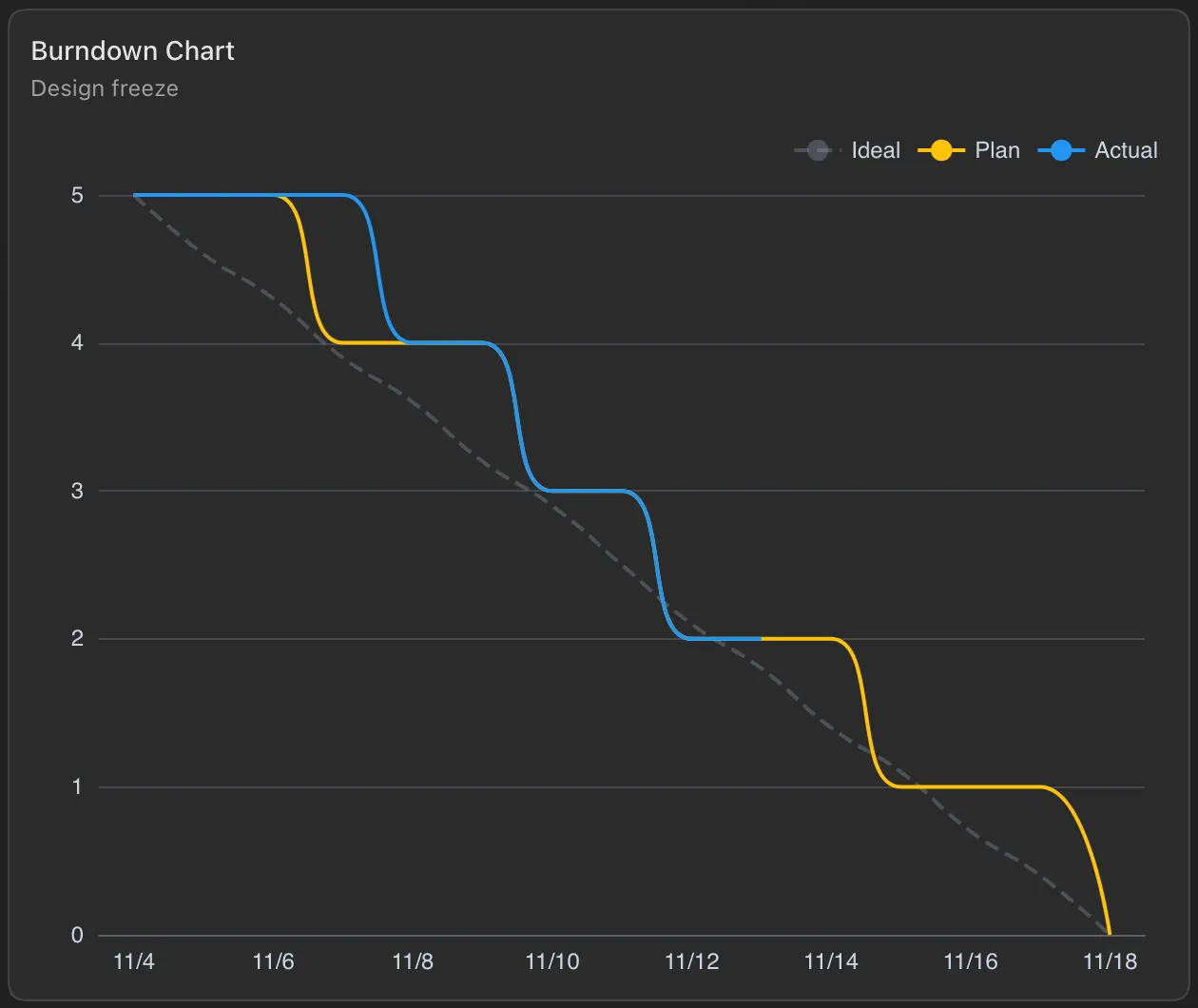
Export the plan to Excel or PDF
ClickUp exports the Gantt view as a PDF or PNG on the Business plan and above. For exporting a List or Table view to CSV or Excel, ClickUp's pricing table lists List view exports as not included on Free Forever, a trial on Core, and included on Business and above. (One ClickUp help article says Free Forever Workspaces can export five views.)
Repsona exports the Gantt chart to Excel (XLSX) and CSV, and saves a PDF from the print view. All of these are available on every plan, including Free.
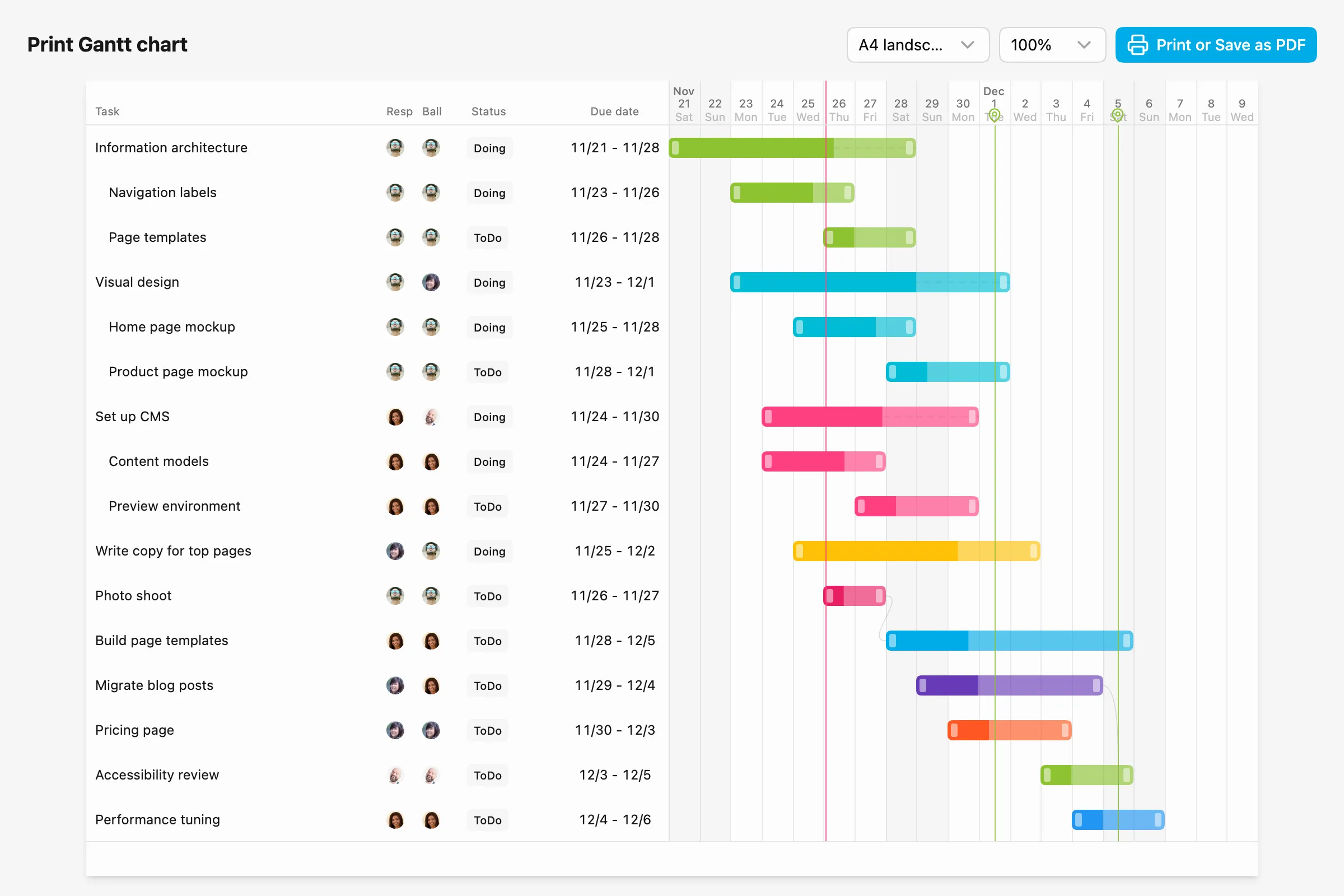
See who acts next, not only who is responsible
A ClickUp task can have multiple assignees. ClickUp's help center and feature table do not list a built-in field for the person who has to act next. Custom Fields include a People field, so a team can add one of its own.
A Repsona task has a ball alongside the assignee. The ball marks who acts next: the assignee stays the same while the ball passes to whoever is reviewing or replying. A board grouped by ball shows where work is waiting.
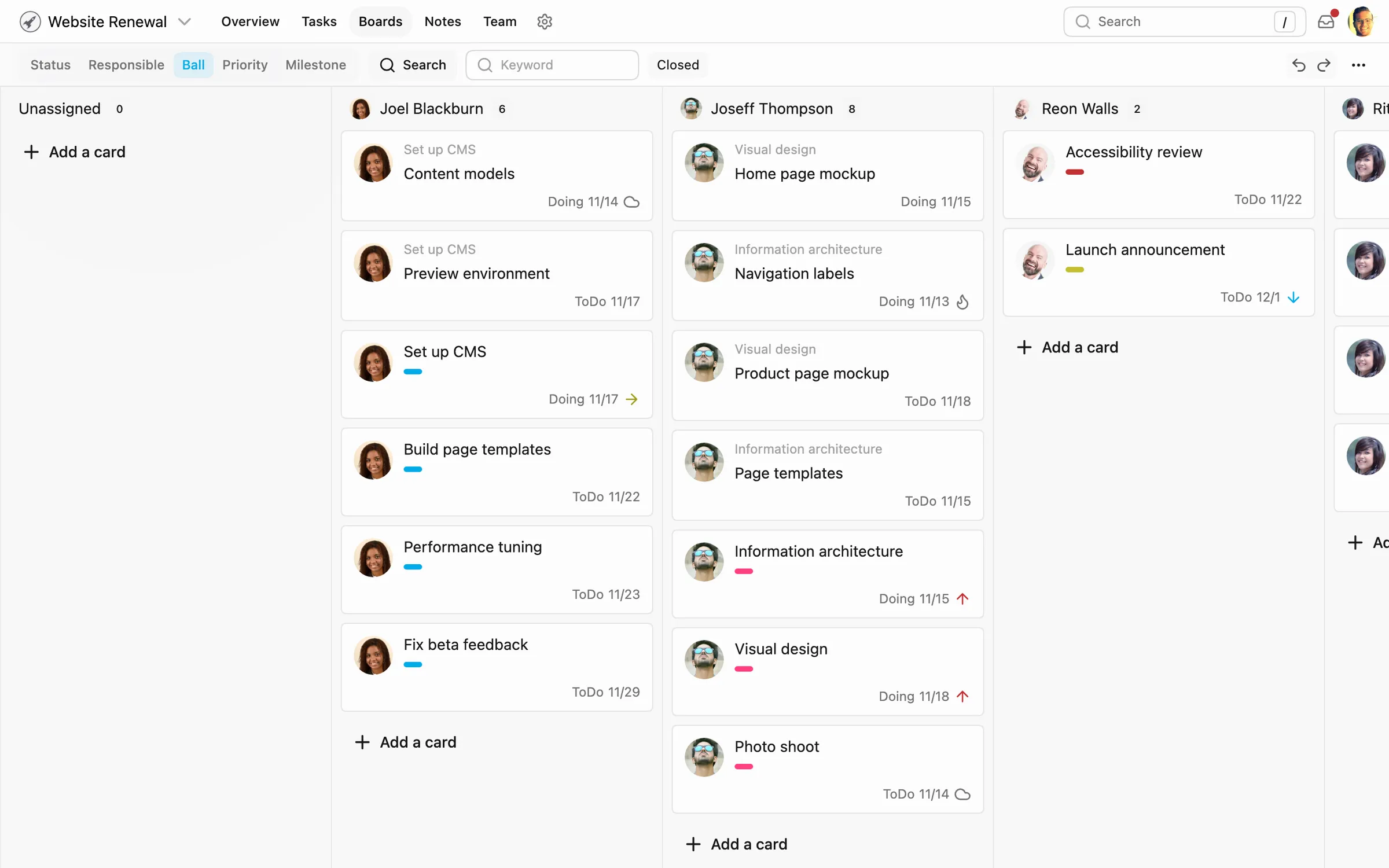
A project starts with its pages in place
ClickUp organizes work in a Hierarchy: a Workspace holds Spaces, Spaces hold Folders and Lists, and Lists hold tasks. Features such as Custom Fields, Multiple Assignees, Nested Subtasks, Time Tracking and Sprints are ClickApps that a Workspace owner or admin activates. Each team can shape its own workflow that way.
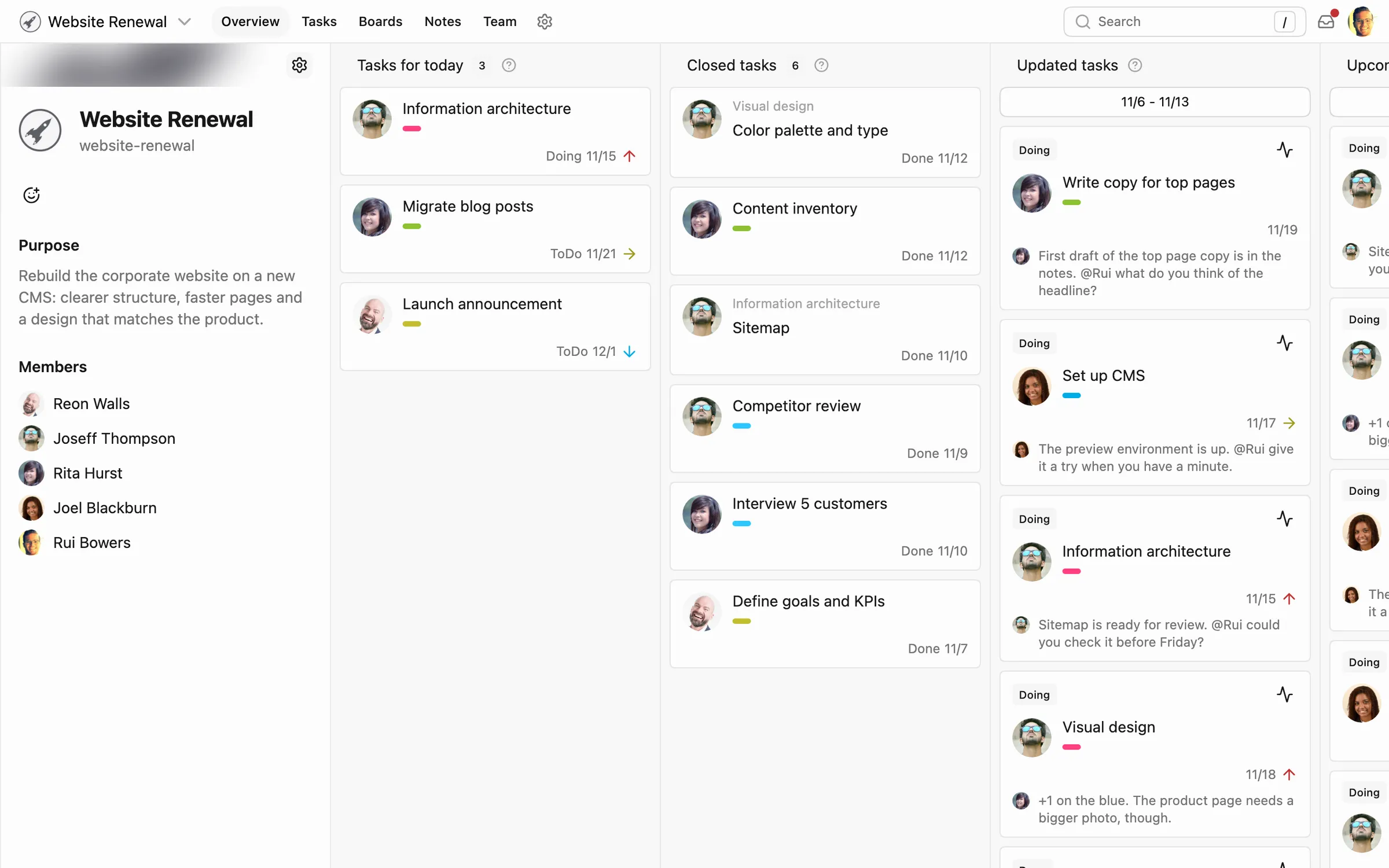
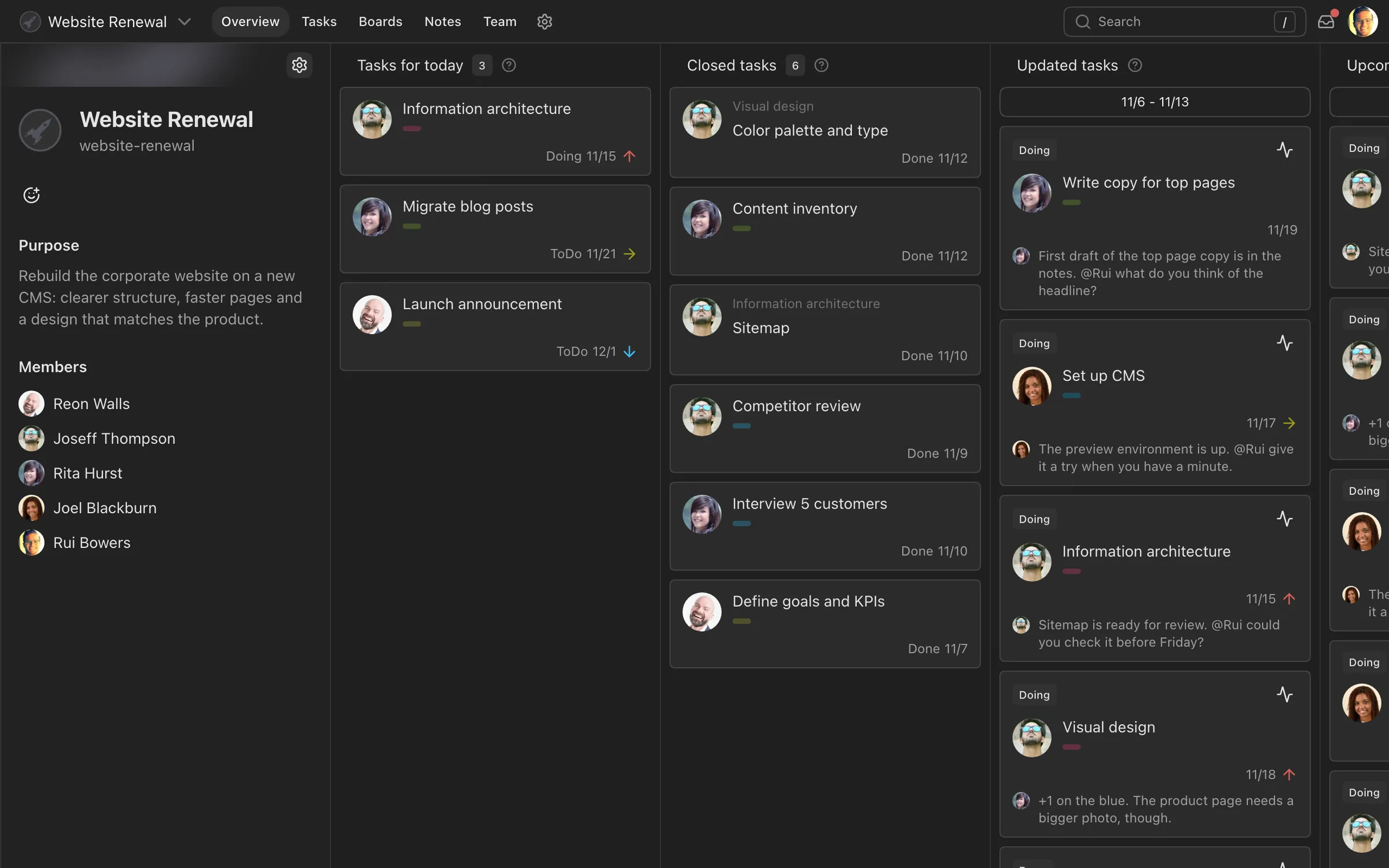
A Repsona project has a fixed set of pages: Overview, Tasks (the list and the Gantt chart), Boards, Notes and Team. There are no custom fields or automation rules to design. If your process depends on those, ClickUp is the better fit. If a shared plan and a task list cover what you need, the pages are there from the first project.
An interface anyone can pick up
Buttons, settings and customization are kept to a minimum. Anyone can tell what to do just by looking at the screen, and get started right away. It feels natural to use, and screens open and save quickly, so a heavy tool never slows you down.

Small touches that make work more fun
Repsona is full of small touches, built around people, that make work more fun. It isn't only about getting the pile of tasks in front of you done faster. It's about building a team where people connect and smile.
What ClickUp has that Repsona doesn't
Beyond the rows in the table, ClickUp offers the following. Repsona has none of them.
- Dashboards you build from cards (unlimited on Business and above; a use-limited trial on Free Forever and Core)
- Whiteboards (3 on Free Forever, 10 on Core, unlimited on Business and above) and Mind Maps (unlimited on Business and above, a trial on Core)
- Built-in chat (ClickUp Chat; unlimited messages on Core and above, 1,000 messages on Free Forever)
- Forms (1 Form on Free Forever, unlimited on Core and above)
- Goals (Core and above, a trial on Free Forever)
- Timesheets and Time in Status reports (Business and above)
- Baselines on the Gantt view (Business and above)
- Sheets, spreadsheets with formulas inside the workspace (on every plan)
- Built-in AI (ClickUp Brain) with a monthly AI Credits allowance on paid plans
- Native integrations with Jira, Microsoft Teams, Figma, Zapier, Make and Google Calendar on every plan
- Unlimited members on the Free Forever plan
Pricing
Both Repsona and ClickUp price their paid plans per person. Check ClickUp's prices on its official website.
ClickUpMoving from ClickUp to Repsona
Repsona has no tool that moves data from ClickUp automatically. You can move tasks with a CSV file:
- In ClickUp, an owner or admin exports task data as a CSV file from the Workspace settings (Imports / Exports, then Export Items). ClickUp's help says availability varies by plan and user role, so check that the export is offered in your Workspace
- Rearrange the columns into the order Repsona's import reads. The first row is a header, and the 14 columns come in this order: ID, task name, description, assignee, ball holder, start date, due date, status, milestone, parent task ID, tags, planned, actual and sort order. Leave a column empty when you have nothing for it. Convert the dates to
YYYY-MM-DD. ClickUp's export has each date in Unix format and as plain text - In Repsona, open the menu on the Gantt chart or the list and choose "Import from CSV"
Save the file as UTF-8. The assignee and the status must already exist in Repsona under the same names. A Repsona task takes one assignee, so choose one where a ClickUp task has several. Import into a new project, because a row whose ID matches an existing task overwrites that task. The column descriptions and a sample file are in the help article Exporting and Importing Tasks. Repsona's CSV import does not carry over comments, attachments or custom field values.
To try it with a few people first, move one project on the Free plan and see how the Gantt chart works for your team.
FAQ
- Is the Gantt chart free in ClickUp?
- Only up to a point. On ClickUp's Free Forever plan, Gantt view is limited to 60 uses, and ClickUp's help says feature usage limits do not reset. Gantt charts are unlimited on the Core plan and above. Repsona includes the Gantt chart on its Free plan.
- What does ClickUp's free plan limit?
- Free Forever has unlimited members and tasks. It limits storage to 60MB and Spaces to 5, and it caps how much you can use some features, including 60 uses each of Gantt view, Custom Fields and Dashboards, 100 uses of time tracking, and 100 Automation Actions per month. Repsona's Free plan limits the number of members and projects instead. See the pricing page for the numbers.
- Is Repsona open source, or can I host it myself?
- No. Repsona is a cloud service and is not open source. ClickUp's help says ClickUp is hosted on Amazon Web Services, and its help and pricing table list no self-hosted edition. If you need to run the software on your own servers, neither tool fits.
- Can I use Repsona on my own, for personal projects?
- Yes. The Free plan works for one person as well as for a small team. If all you need is a Gantt chart for yourself, Gantt-san is a separate free tool from the Repsona team that works without an account. It is a different product from Repsona, which needs an account.
- Does Repsona have automations or custom fields?
- No. Repsona has no automation rules and no custom fields. If your process depends on them, ClickUp is the better fit.
- Can I move my tasks from ClickUp to Repsona?
- Repsona has no tool that moves data from ClickUp automatically. A ClickUp owner or admin can export task data to a CSV file, and Repsona can import CSV. Repsona's import reads the columns in a fixed order and dates in YYYY-MM-DD format, so rearrange the columns and convert the dates before importing.
- Which one costs less?
- Both price their paid plans per person, so the answer depends on the features you need and the plan they sit on. ClickUp's free plan has no cap on members, and Repsona's does. Check ClickUp's prices on its official website.
What this page says about ClickUp was checked against its official pages. Features and prices may change.