Asana vs Repsona
Both tools keep a team's tasks, owners and dates in one place. They part ways on what the free plan covers and how far the tool reaches. If you want a Gantt chart with dependencies on a free plan, and an Excel or PDF copy of it, look at Repsona. If you want forms, automations, goals and a long list of integrations in one platform, Asana is the better fit.
Which one fits your team
Repsona fits teams that
- want a Gantt chart with dependencies on a free plan
- have more than two people and want to stay on a free plan for now (Asana's Personal plan covers up to 2 users)
- need the Gantt chart as an Excel file, a PDF or a printout
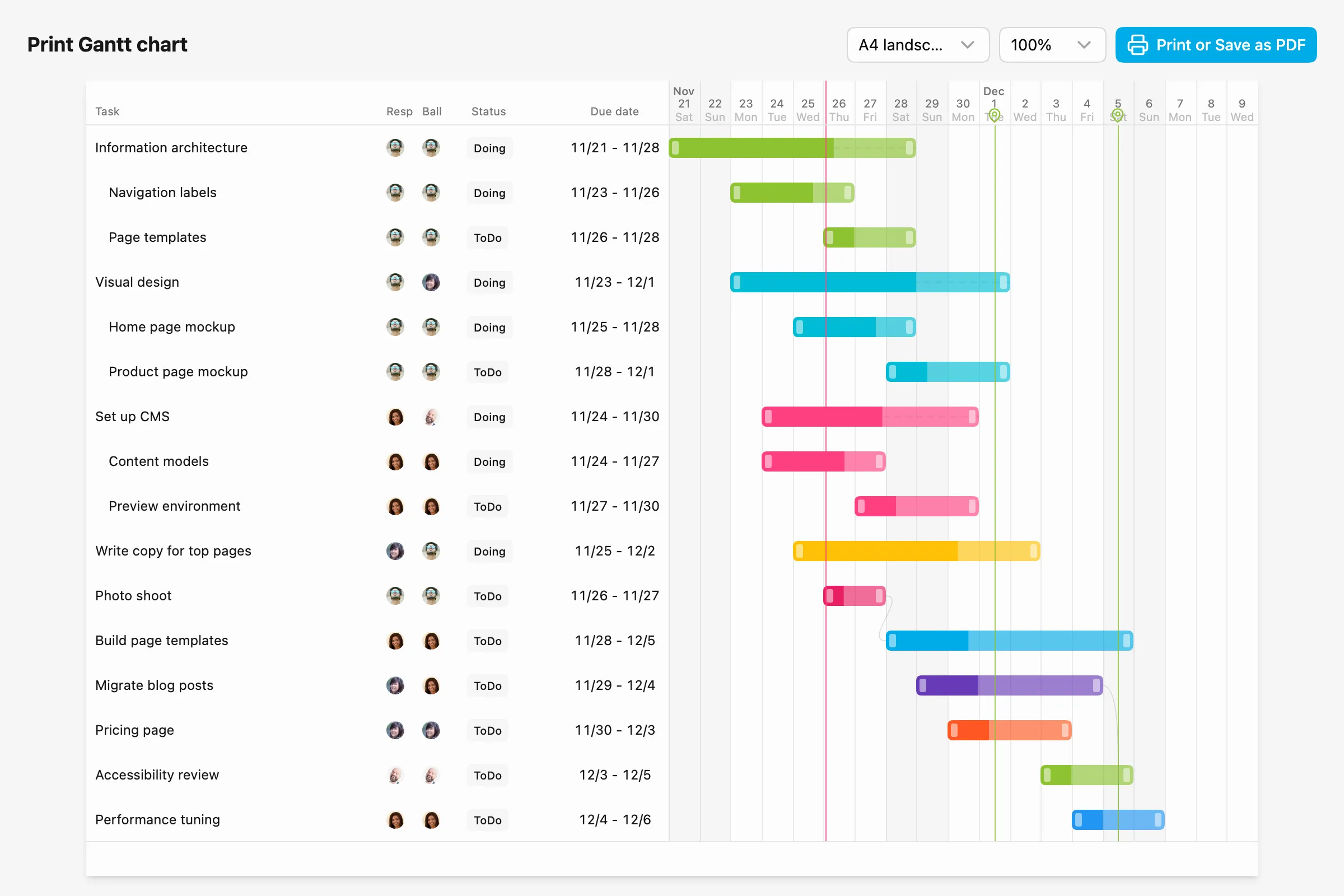
- want to see progress on the bars themselves, and spot delays with a progress line
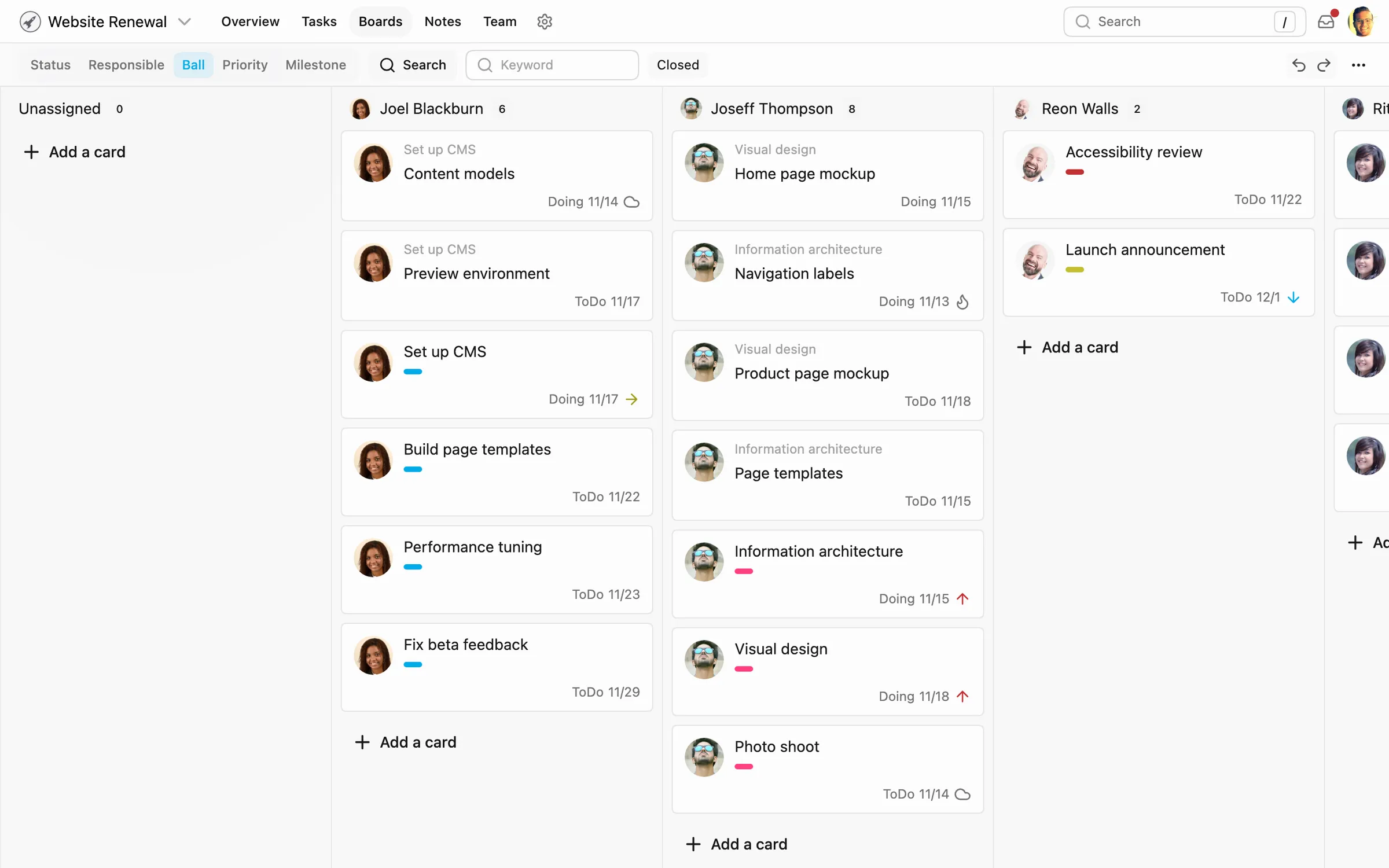
- want to track the ball (who acts next) separately from the assignee
Asana fits teams that
- are one or two people and want a free plan with no cap on tasks or projects
- want forms, automations and custom fields to shape how work comes in and moves along (Starter and above)
- need baselines, critical path or goals
- rely on integrations with Microsoft 365, Google Workspace, Slack and many other apps
- need SAML single sign-on or SCIM (Enterprise and above)
Features side by side
Rows where Repsona has nothing to offer are listed as they are.
 Asana
A Gantt chart on the free plan
Asana has two views that do the job of a Gantt chart: Timeline and Gantt. Both start on the Starter plan. The free Personal plan includes list, board and calendar views, and covers up to 2 users.
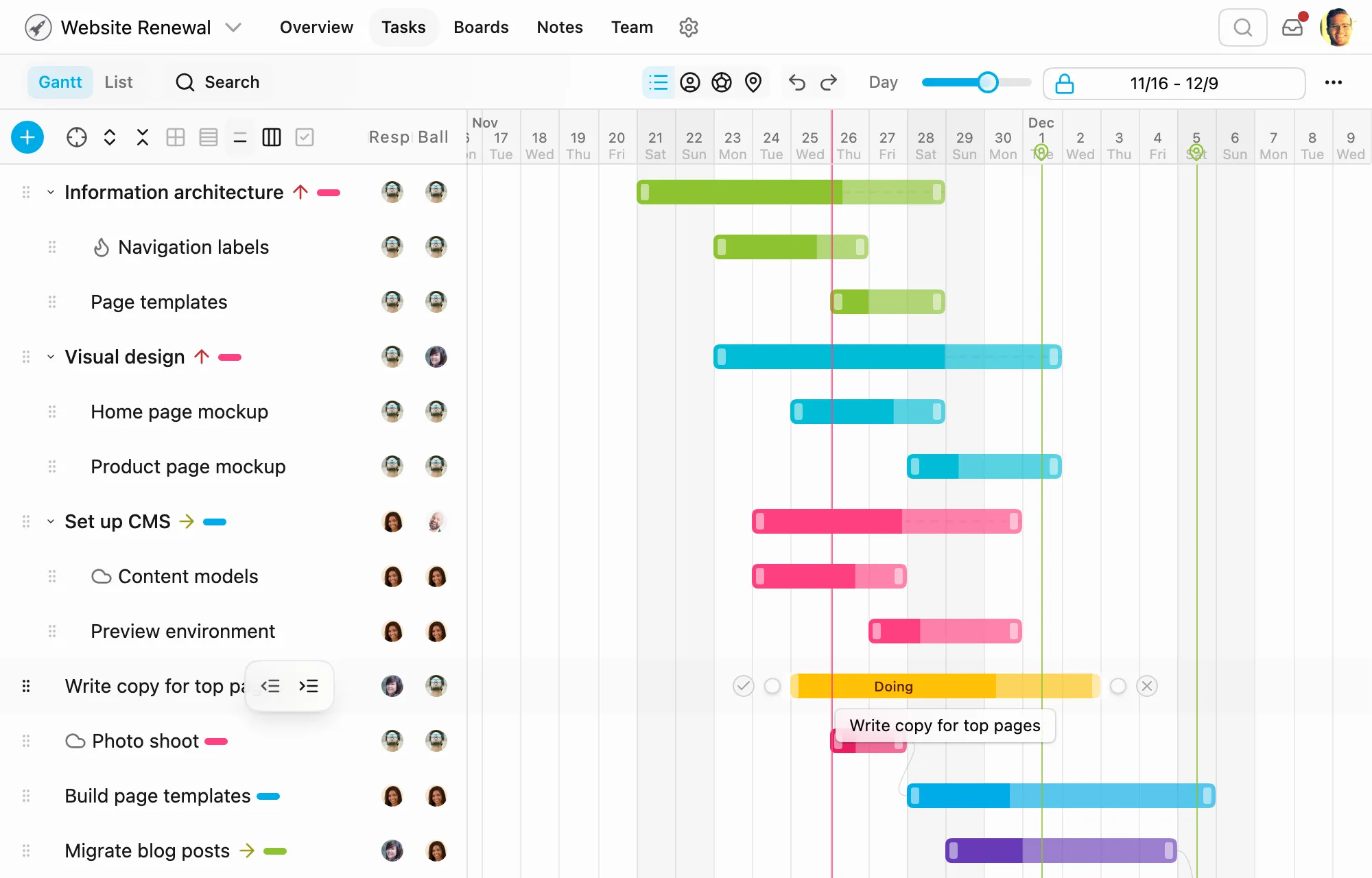
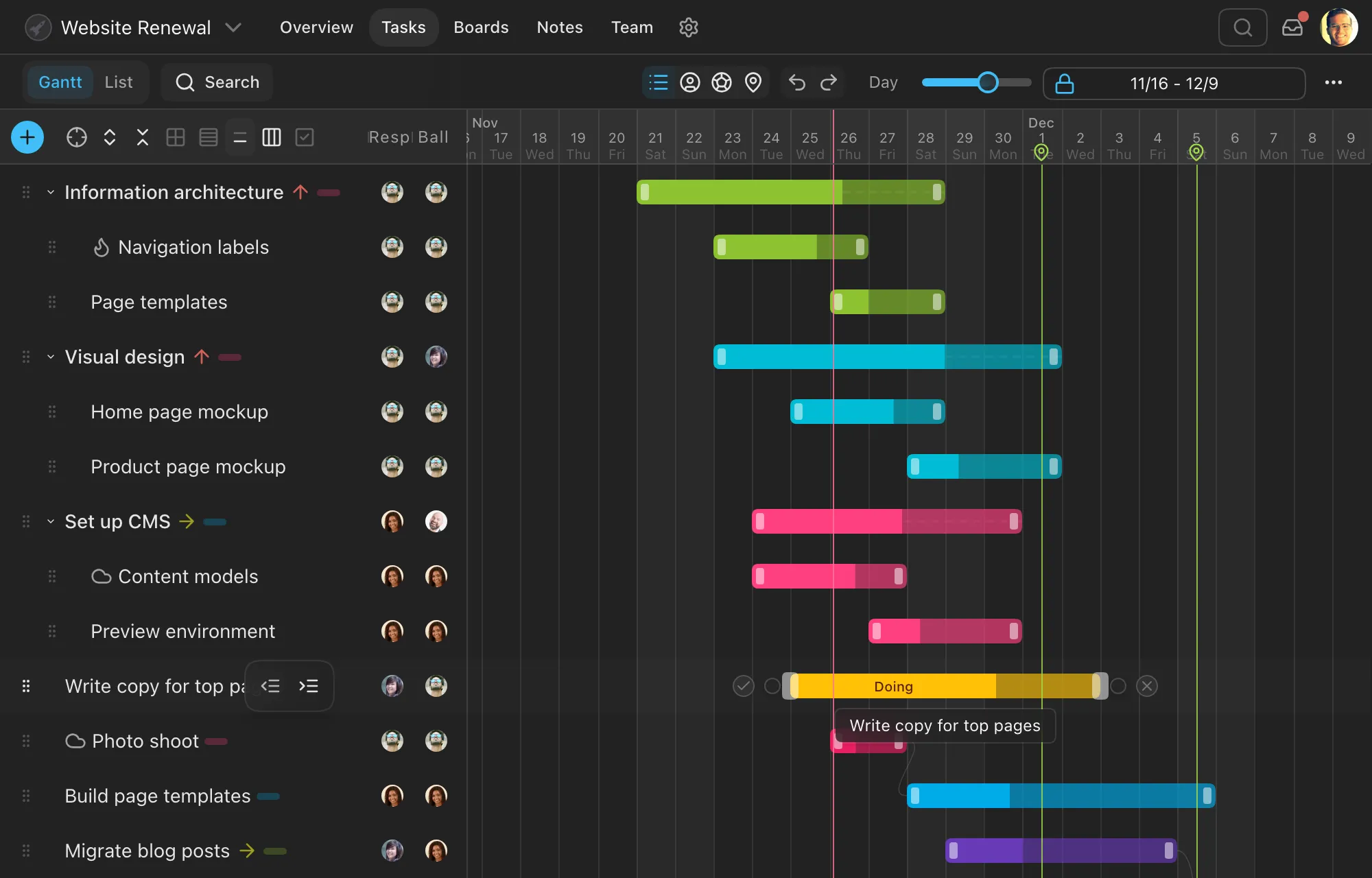
Repsona's Gantt chart is part of the free plan. Drawing a bar, moving it and stretching it work the same on every plan. You do need a Repsona account, and the free plan is enough.
Dependencies without upgrading
In Asana, task dependencies are listed from the Starter plan up. In Timeline view, tasks that wait on another task adjust automatically when it moves.
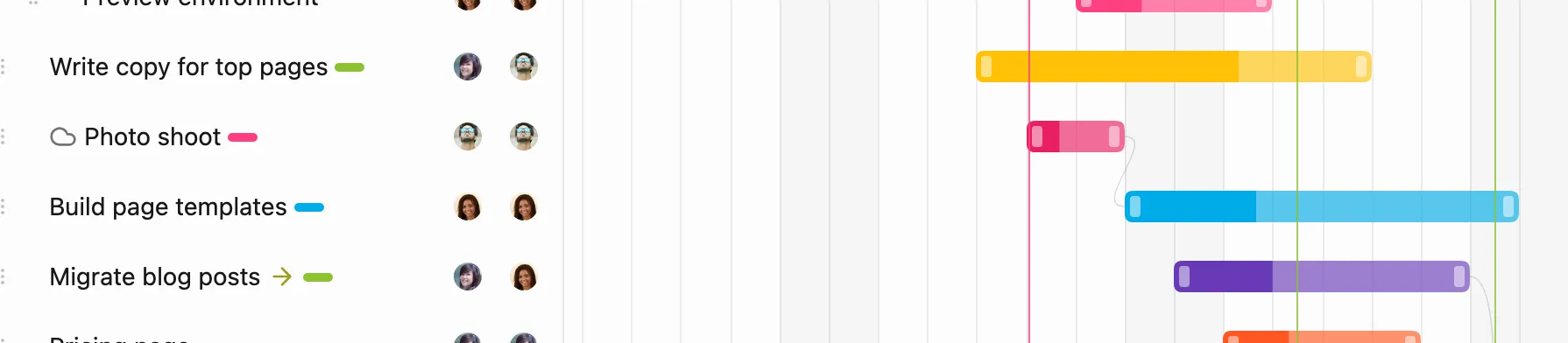
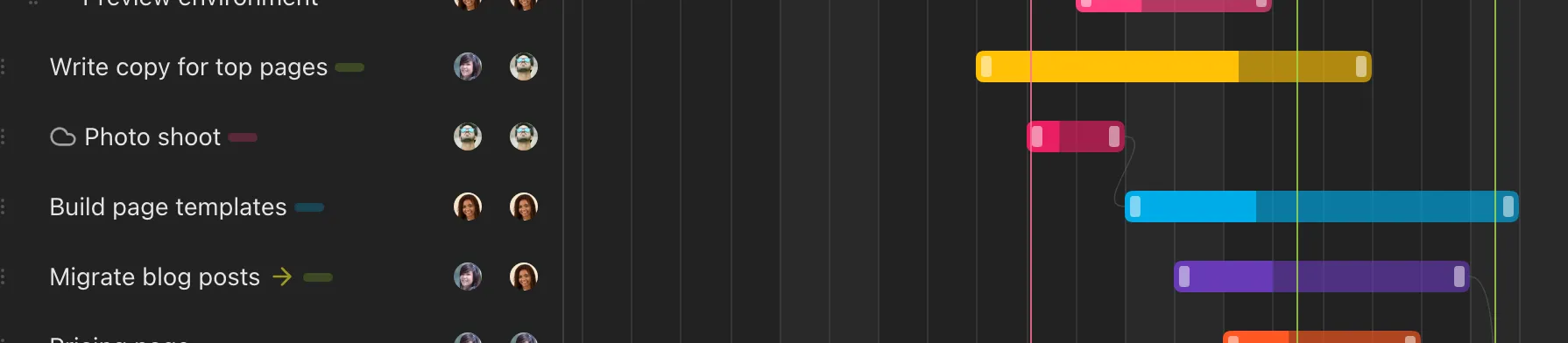
In Repsona, dependencies are on the free plan. You drag from one bar to another to link a predecessor and a successor. The line turns red when the successor starts on or before the predecessor's due date. With "Move together" on, moving a task moves its successors too.
A chart you can hand over as Excel or PDF
Asana's feature table lists "CSV and PDF export" on every plan. It lists nothing for exporting or printing the Timeline or Gantt view itself.
A member of the Asana team says on the official forum that there is currently no export for the Gantt view itself, and that the project data can be exported as CSV or JSON.
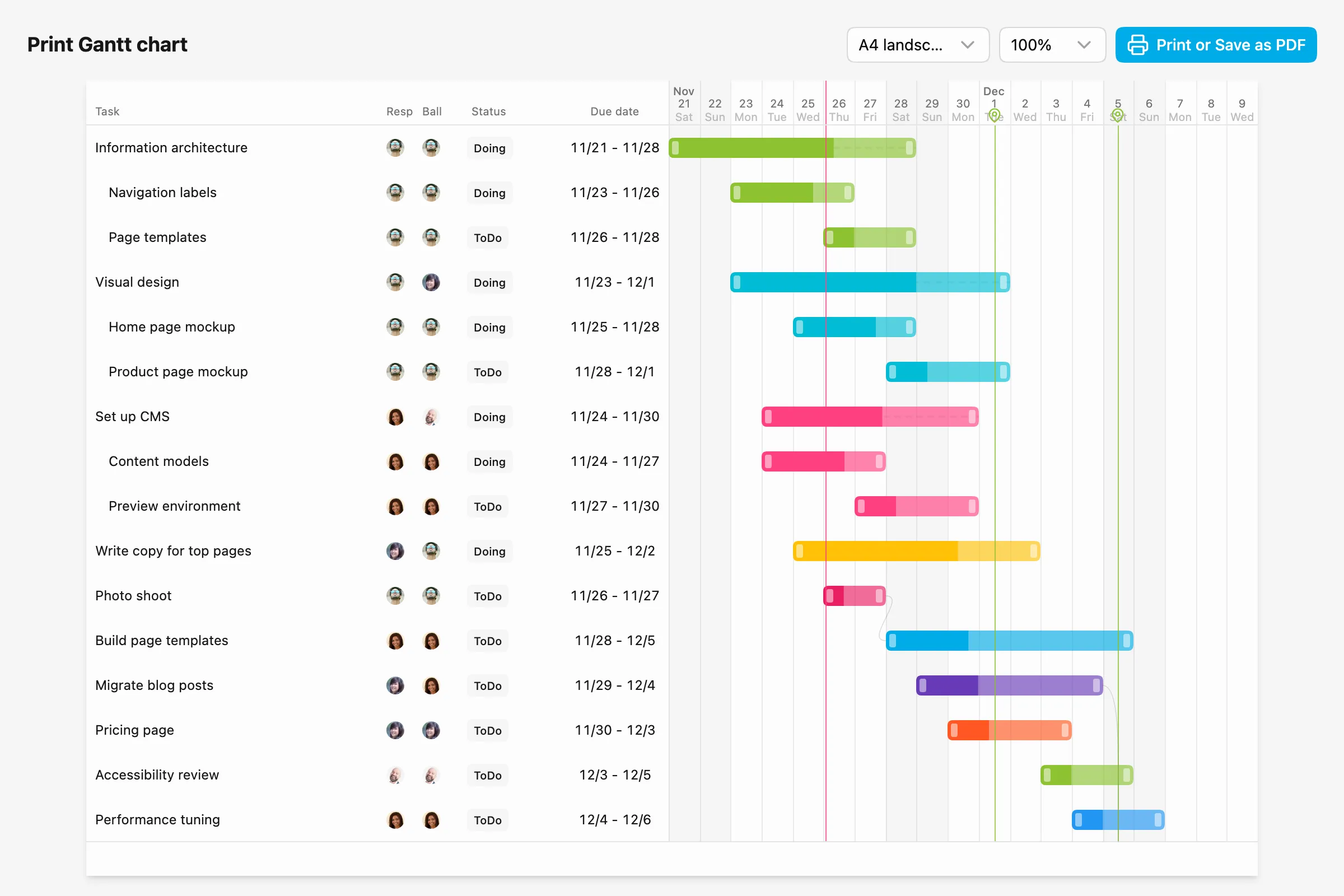
Repsona exports the Gantt chart to Excel (XLSX) and CSV. Its print view lets you pick the paper size and scale, then print or save as PDF. All of this is on the free plan.
Who owns it, and whose turn it is
An Asana task has one assignee. Everyone else involved can be added as a collaborator.
Repsona keeps two people on a task. The assignee owns it. The ball is Repsona's name for who acts next, and it passes to whoever has to review, answer or approve while the assignee stays the same. A board grouped by ball holder shows where work is waiting.
An interface anyone can pick up
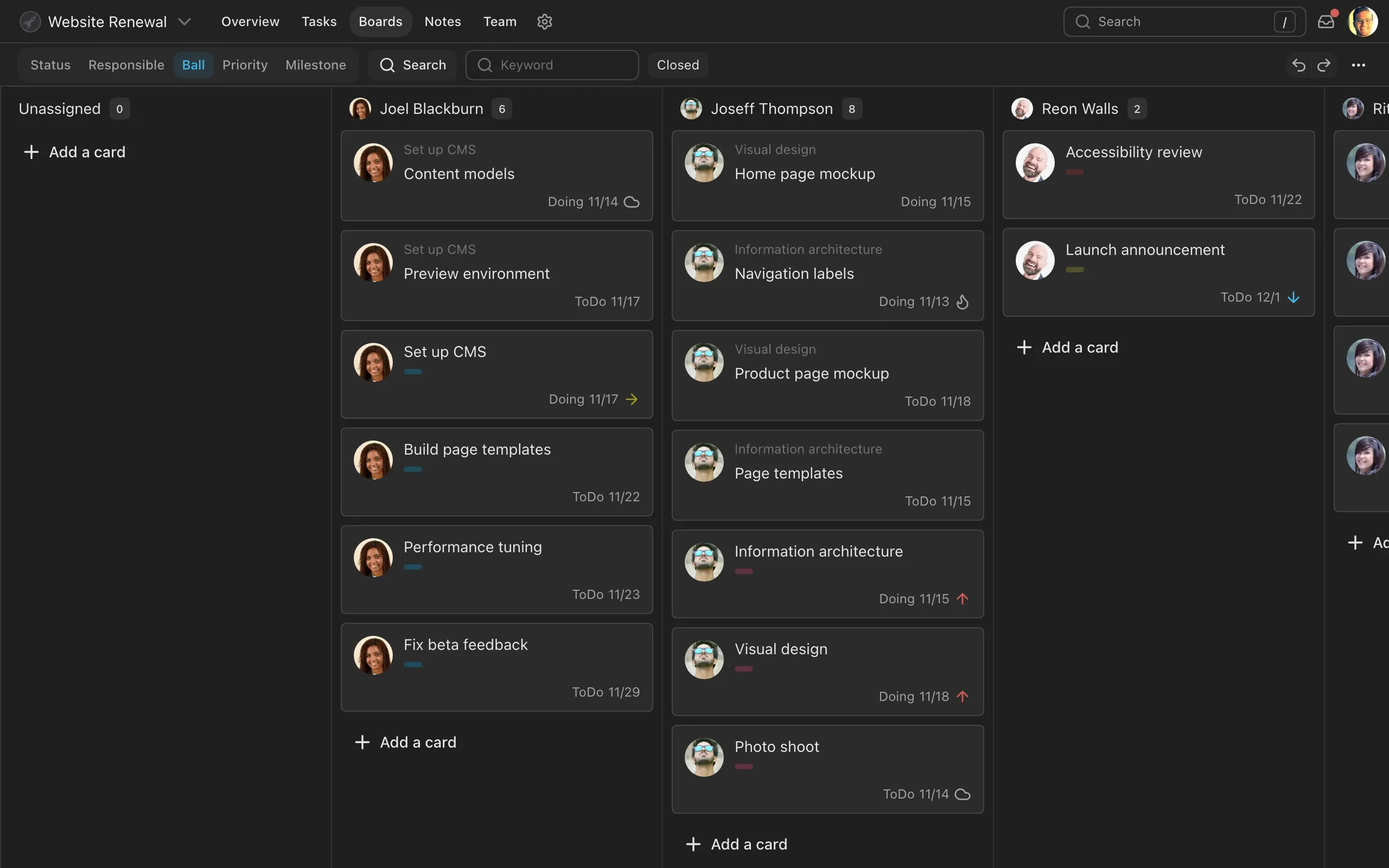
Buttons, settings and customization are kept to a minimum. Anyone can tell what to do just by looking at the screen, and get started right away. It feels natural to use, and screens open and save quickly, so a heavy tool never slows you down.

Small touches that make work more fun
Repsona is full of small touches, built around people, that make work more fun. It isn't only about getting the pile of tasks in front of you done faster. It's about building a team where people connect and smile.
What Asana has that Repsona doesn't
Beyond the rows in the table, Asana offers the following. Repsona has none of them.
- Unlimited tasks and projects on the free Personal plan (up to 2 users)
- Calendar view, recurring tasks, and multi-homing a task in several projects (all plans)
- More than 100 integrations, including Microsoft 365, Google Workspace, and Slack (all plans)
- Forms for work requests (Starter plan and above)
- AI features such as AI Teammates and AI Studio (Starter plan and above)
- Baselines in Gantt view, to compare the current plan against the original one
- Critical path, approvals and proofing, and company, team, and individual goals (Advanced plan and above)
- User provisioning with SCIM (Enterprise plan and above)
Pricing
Both tools charge per person on paid plans. Asana's free Personal plan covers up to 2 users. Check Asana's official site for its prices.
AsanaMoving from Asana
There is no automatic migration tool. You can move tasks by CSV in three steps.
- In Asana, export the project as CSV from Export/Print (the feature table lists CSV export on every plan)
- Rearrange the columns into the order Repsona's import expects (the first row is a header, then 14 columns in this order: ID, task name, description, assignee, ball holder, start date, due date, status, milestone, parent task ID, tags, planned, actual, sort order)
- In Repsona, choose "Import from CSV" from the menu on the Gantt chart or the List
Assignees and statuses have to exist in Repsona under the same names before you import. Save the file as UTF-8. The column details and a sample file are in the help article Exporting and Importing Tasks. Repsona's CSV import doesn't bring in dependencies, comments or attachments. Link the dependencies again on the Gantt chart after you import.
Repsona is a team workspace, so you need an account, and the free plan is enough to try one project. If you only want to draw a quick chart without signing up, Gantt-san is a separate free Gantt chart tool from the same team. It is not what this page compares.
FAQ
- Is there a free Gantt chart in Asana?
- No. Asana's Timeline and Gantt views are on the Starter plan and above. The free Personal plan includes list, board and calendar views. Repsona includes its Gantt chart on the free plan.
- What do you get on Asana's free plan?
- The Personal plan covers up to 2 users, with unlimited tasks and projects, list, board and calendar views, the iOS and Android apps, and more than 100 integrations. Timeline and Gantt views, task dependencies, milestones, custom fields, automations and forms start on Starter.
- Can you set dependencies on Asana's free plan?
- No. Task dependencies are listed from the Starter plan up. On Repsona's free plan you link a predecessor and a successor by dragging from one bar to another on the Gantt chart.
- Can you export or print the Gantt chart in Asana?
- Asana's feature table lists "CSV and PDF export" on every plan. It lists nothing for exporting or printing the Timeline or Gantt view itself. A member of the Asana team says on the official forum that there is currently no export for the Gantt view itself, and that the project data can be exported as CSV or JSON. Repsona exports the Gantt chart to Excel (XLSX), and its print view goes to paper or PDF.
- Does Asana's Gantt chart show percent complete?
- Asana's Gantt view lets you compare the current plan against a baseline to see how far it has drifted. A per-task percent-complete on the bars is not mentioned in Asana's feature table or feature pages. In Repsona, the darker part of each bar shows how far the task's status is toward closed, and the progress line shows which tasks are behind as of today.
- What is the difference between Timeline and Gantt view in Asana?
- Both are project views on the Starter plan and above. Asana's launch post for Gantt view puts Gantt forward for projects that are structured from the start, for comparing progress against the original plan, and for complex dependencies or strict deadlines. It puts Timeline forward for iterative projects planned on the go, and for swimlanes and sorted or filtered views.
- Can I move my Asana tasks to Repsona?
- There is no automatic migration tool. Asana can export a project as CSV, and Repsona imports CSV. Repsona's import reads the columns in a fixed order, so you rearrange the columns first and then import.
- Does Repsona have custom fields, automations or forms?
- No. If you want to shape intake and process with those, Asana (Starter and above) is the better fit.
- Which one costs less?
- Both charge per person on paid plans. On Asana, the Timeline and Gantt views and dependencies start at Starter, and portfolios and time tracking start at Advanced. Which is cheaper depends on your team size and on which plan has the features you need. Check Asana's official site for its prices.
What this page says about Asana was checked against its official pages. Features and prices may change.