---
title: Set a password
categoryId: settings
subCategoryId: User settings
---
This page explains password settings for your Repsona account.
| Who can use it | Available on |
|---|---|
| All | All |
## Set a password
1. Open the settings menu from the icon in the upper-right corner of the screen.
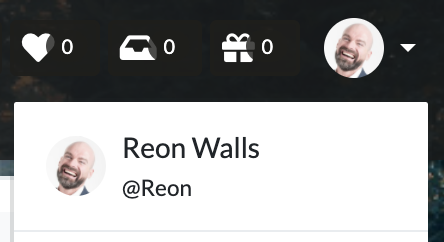 2. Click "User settings".
3. Open the Password tab.
### Change your password
Enter your "Current password" and "New password", then click "Save".
### Reset your password
1. Click the "Reset" button.
2. You’ll receive an email with the subject "Reset your password".
3. Click the "Choose a New Password" button in the email.
4. Enter your "New password" and click "Continue" to complete the reset.
2. Click "User settings".
3. Open the Password tab.
### Change your password
Enter your "Current password" and "New password", then click "Save".
### Reset your password
1. Click the "Reset" button.
2. You’ll receive an email with the subject "Reset your password".
3. Click the "Choose a New Password" button in the email.
4. Enter your "New password" and click "Continue" to complete the reset.