---
title: Delete a space (delete your account)
categoryId: settings
subCategoryId: Administrator settings
---
This page explains how to delete a Repsona space and your Repsona account.
| Who can use it | Available on |
|---|---|
| Owner | Free plan |
*If you are not on the Free plan, downgrade to the Free plan before deleting your account. Otherwise, billing will continue after deletion.*
## Delete a space (delete your account)
You can delete your space. Once deleted, this action cannot be undone. You will lose access to all data within the space. If you have an active paid plan, you cannot delete the space.
1. Open the settings menu from the icon in the upper-right corner of the screen.
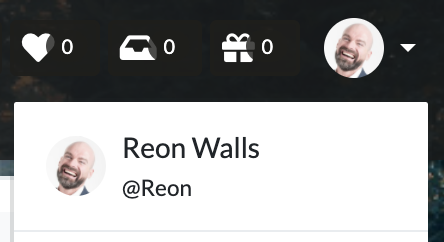 2. Click "Administrator Settings".
3. Open the "Space profile" tab.
4. Click "Delete your space".
5. Click the "Delete your space" button.
2. Click "Administrator Settings".
3. Open the "Space profile" tab.
4. Click "Delete your space".
5. Click the "Delete your space" button.