---
title: Authentication settings
categoryId: settings
subCategoryId: Administrator settings
---
Configure account authentication for your Repsona space.
| Who can use it | Available on |
|---|---|
| Owner | All |
## Two-factor authentication
You can require two-factor authentication for all members when they log in. If someone hasn’t set up an authenticator app, email-based two-factor authentication will be used.
1. Open the settings menu from the icon in the upper-right corner of the screen.
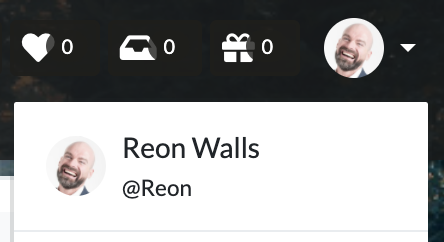 2. Click "Administrator Settings".
3. Click "Authentication".
4. Turn on "Require two-factor authentication".
2. Click "Administrator Settings".
3. Click "Authentication".
4. Turn on "Require two-factor authentication".