---
title: Change plan
categoryId: settings
subCategoryId: Administrator settings
---
Repsona has a Free plan and a paid Standard plan. To change plans, first set up a payment method. This page explains how to change your plan.
| Who can use it | Available on |
|---|---|
| Owner | All |
## Change plan
1. Open the settings menu from the icon in the upper-right corner of the screen.
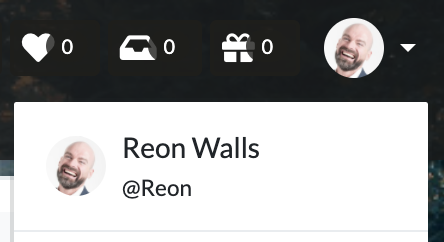 2. Click "Upgrade".
or
1. Open the settings menu from the icon in the upper-right corner of the screen.
2. Click "Administrator Settings".
3. Open the "Billing" tab.
### Upgrade to the Standard plan
1. Click "Upgrade to Standard plan".
2. Enter the company name, address, and payment method.
3. Choose monthly or annual billing.
4. Click "Order now".
### Change monthly or annual billing
1. Click "Change plan" for your current plan.
2. Switch between monthly and annual billing.
3. The prorated charge is displayed.
4. Click "Change plan".
### Switch to Free plan
If you have an active paid plan, you'll see a "Switch to Free plan" button. Your current plan remains active until it expires; when the billing period ends, you'll move to the Free plan.
Because the Free plan allows only one project, select which project to keep when switching.
### Unsubscribe
You can delete a space by going to [Manage space settings](/help/articles/003001000-admin-space) and selecting "Delete your space".
2. Click "Upgrade".
or
1. Open the settings menu from the icon in the upper-right corner of the screen.
2. Click "Administrator Settings".
3. Open the "Billing" tab.
### Upgrade to the Standard plan
1. Click "Upgrade to Standard plan".
2. Enter the company name, address, and payment method.
3. Choose monthly or annual billing.
4. Click "Order now".
### Change monthly or annual billing
1. Click "Change plan" for your current plan.
2. Switch between monthly and annual billing.
3. The prorated charge is displayed.
4. Click "Change plan".
### Switch to Free plan
If you have an active paid plan, you'll see a "Switch to Free plan" button. Your current plan remains active until it expires; when the billing period ends, you'll move to the Free plan.
Because the Free plan allows only one project, select which project to keep when switching.
### Unsubscribe
You can delete a space by going to [Manage space settings](/help/articles/003001000-admin-space) and selecting "Delete your space".