---
title: Set tags
categoryId: settings
subCategoryId: Administrator settings
---
Use tags in Repsona to classify tasks and add reactions. Anyone can create tags (for example, when creating tasks), but only administrators can delete them. This page explains how to manage tags.
| Who can use it | Available on |
|---|---|
| Owner, Admin | Standard plan |
## Set tags
1. Open the settings menu from the icon in the upper-right corner of the screen.
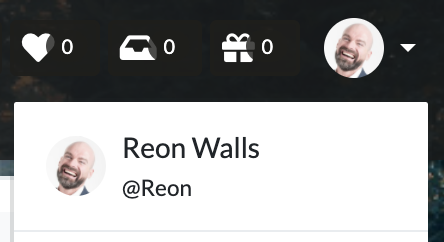 2. Click "Administrator Settings".
3. Open the "Tags" tab.
## Edit tags
Click the "Edit" link to the right of a tag name to open the edit popup. You can change the tag name and color.
## Delete a tag
Click the cross button to the right of a tag name to delete it. This action cannot be undone.
2. Click "Administrator Settings".
3. Open the "Tags" tab.
## Edit tags
Click the "Edit" link to the right of a tag name to open the edit popup. You can change the tag name and color.
## Delete a tag
Click the cross button to the right of a tag name to delete it. This action cannot be undone.